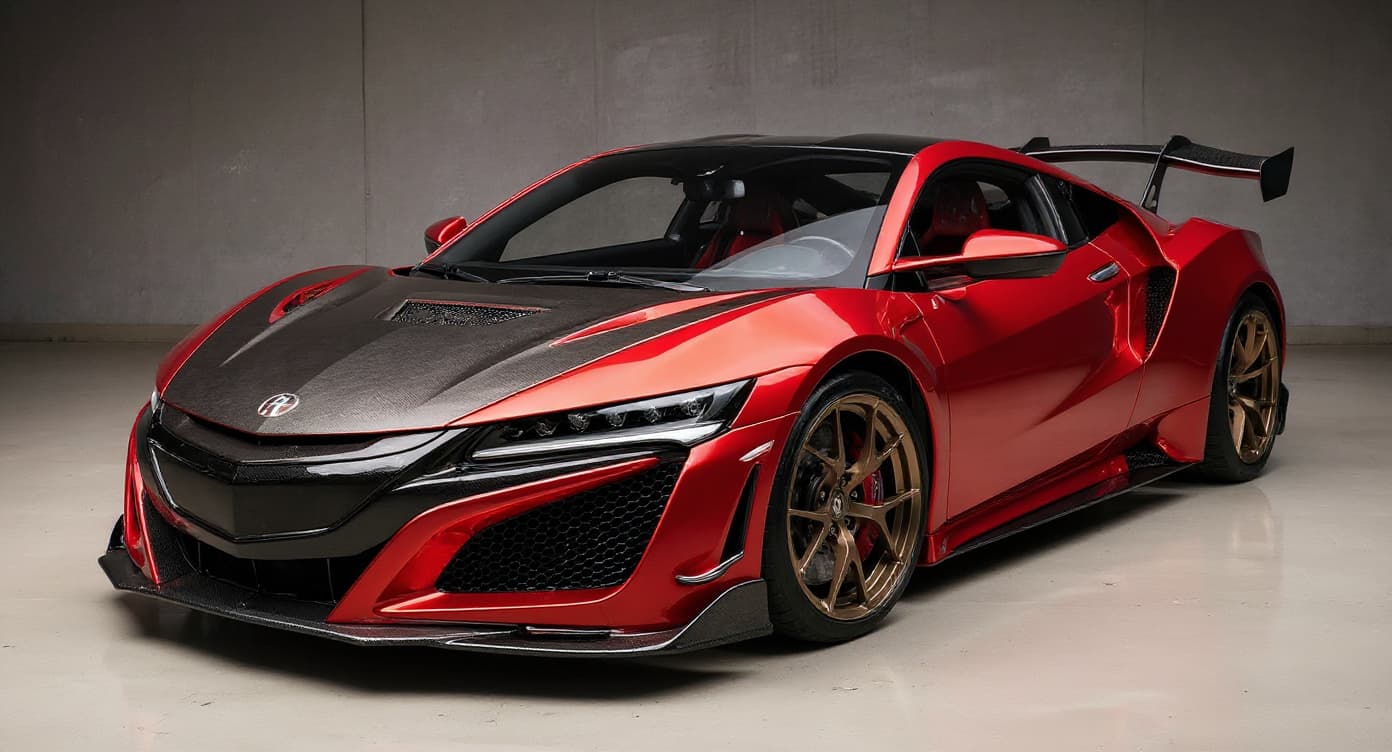
JDM Style on a Scion tC: What Changes
JDM styling on the Scion tC borrows from a culture with real history behind it — Japanese Domestic Market tuning, running from touge racing through VIP sedan builds to the signature work of shops like Veilside, Liberty Walk, and RE Amemiya. What separates a convincing JDM tC from a costume is coherence: aero that matches the period, wheels that match the era and platform, and choices that show the builder knows the lineage.
What a tC JDM Style Actually Costs
Component choice on a JDM tC follows the platform's cultural context, and the spend scales with depth — expect $5,000–$50,000 for a show-level build on a JDM icon across the range of builds. Start with the wheels, because they set the tone: TE37s from Volk Racing for the function-first camp, Work Meister S1 for VIP and stance, BBS LM where the build leans European-informed. Then let aero from Origin Lab, Pandem (TRA Kyoto), or Veilside define the rest of the visual language.
Render your tC before you buy anything
Money can't buy a JDM build past a coherence mistake: parts from the wrong era, or the wrong scene, undo the whole effect on a tC. TunedRides lets you see the JDM direction rendered on your actual car first, so the parts list you write is one the culture would recognise.
Upload your tC photo, free →Rendering a JDM Style on Your tC: Three Steps
- 1Upload a photo of your tC. One good photo does it — profile shots read stance and aero changes most accurately. JPG or PNG, up to 10MB.
- 2Select JDM Style as your style. The AI traces your tC's bodywork and proportions, then renders the change onto your real car, not a stand-in.
- 3Download your render. Your render lands in roughly 30 seconds. The free tier is watermarked; Pro ($14/mo or $69/yr) unlocks 250 HD renders monthly, watermark-free — ideal for a shop or builder.
Planning your tC JDM-style build?
- the JDM cars that earn their reputation: the icons and what makes them special
- what culture-correct JDM style means: the parts and details that read as JDM