AI car rendering, from a single photo.
Render any wrap, paint, widebody, stance or wheel setup on a real car in seconds — no 3D software, no CAD, no photoshoot. Upload a photo and the AI returns a photoreal automotive render of the finished result. Used by shops, dealers, designers and creators.
Sample renders
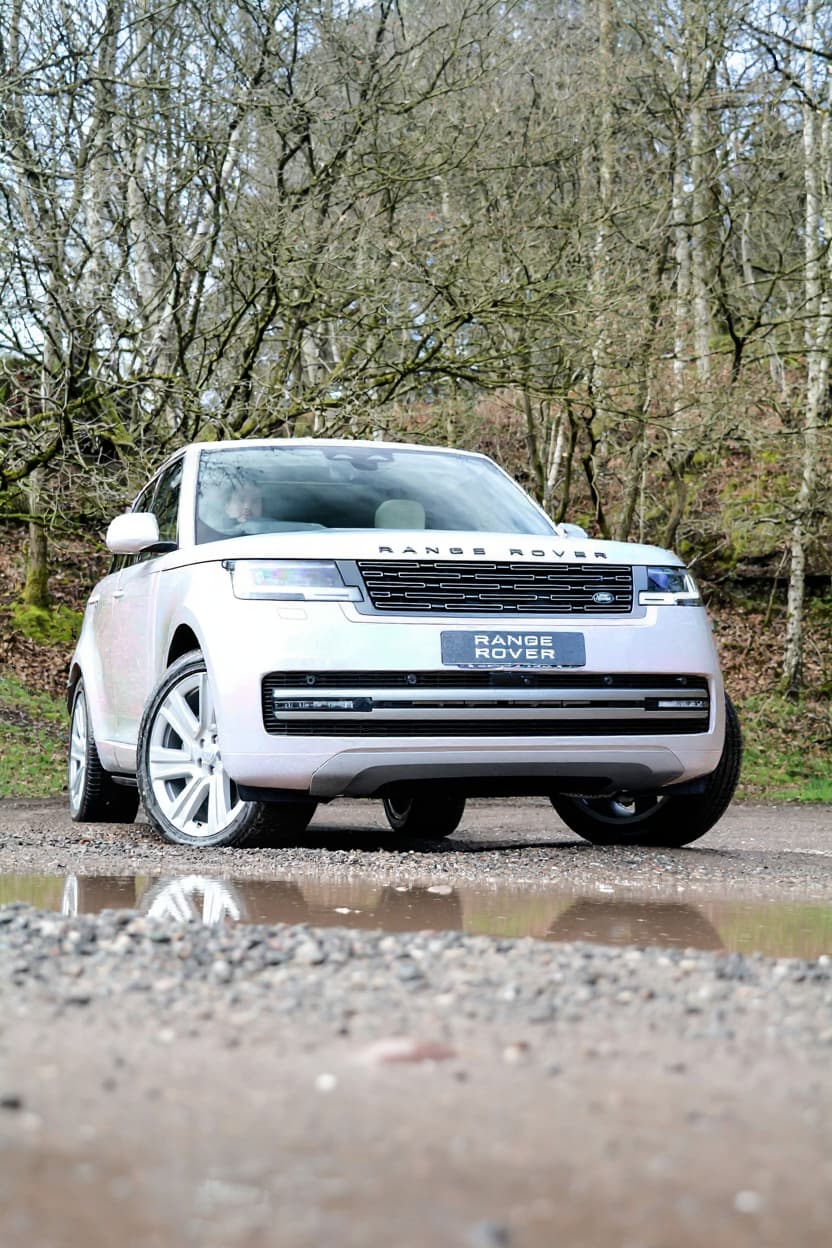
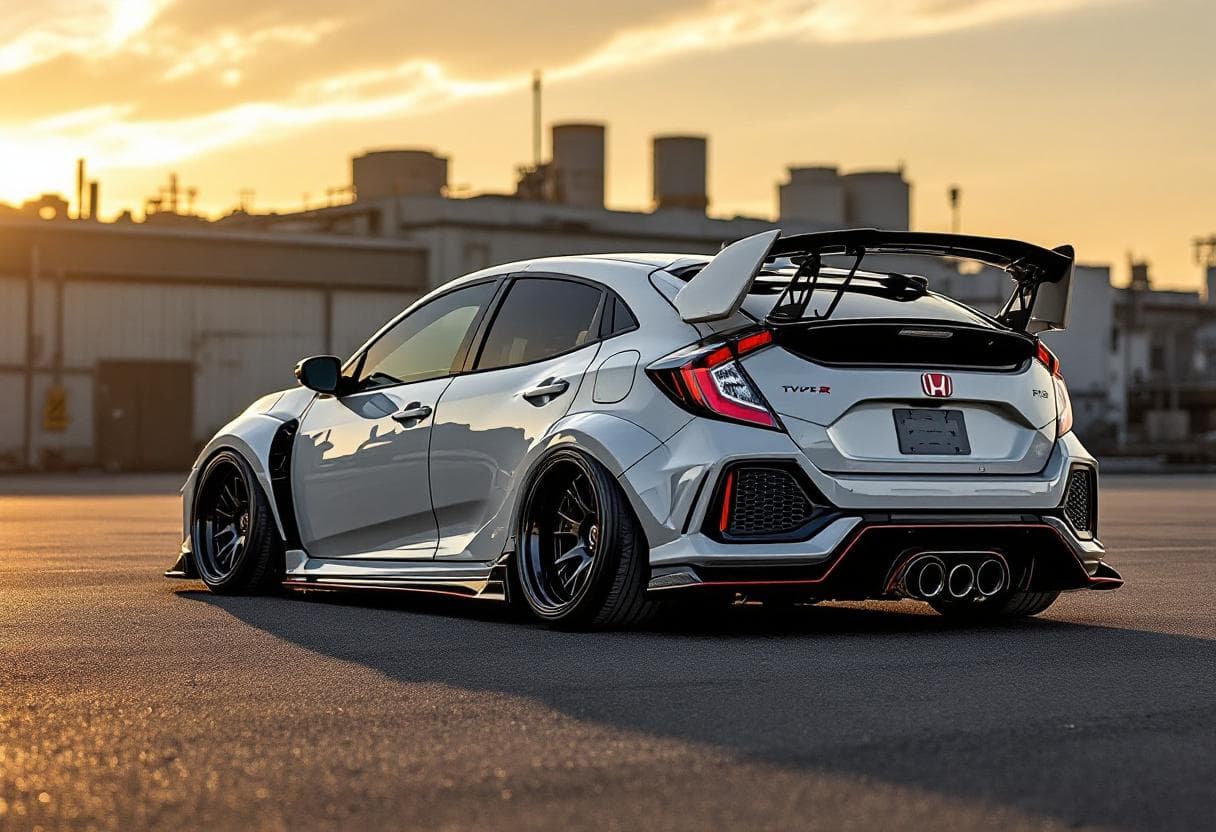
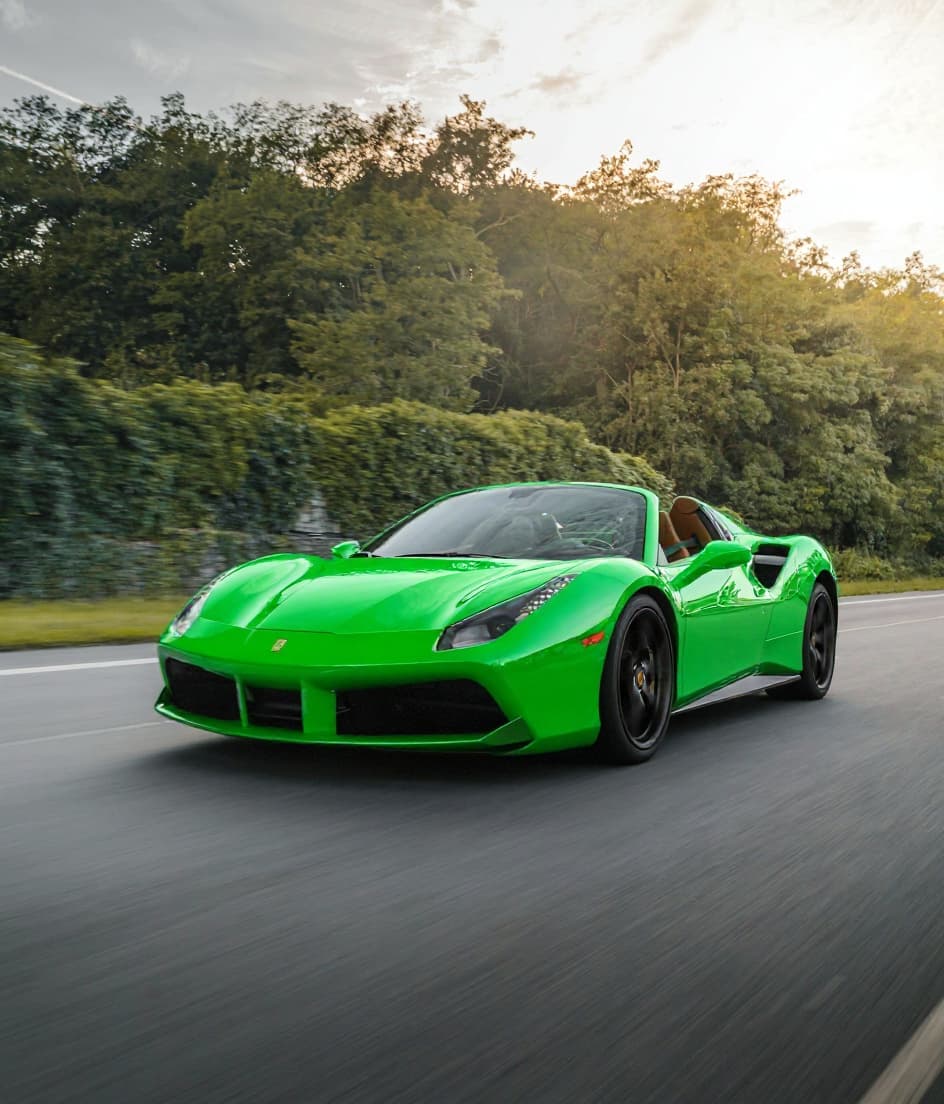
Every render starts from the actual car photo — not a generic 3D model.
What you can render
One photo in, a photoreal modification render out. Pick a discipline:
Who uses automotive rendering this way
Photo-based car rendering replaces the slow parts — 3D scenes, photoshoots, design back-and-forth.
Automotive designers & studios
Turn a reference photo into a finished concept render without setting up a 3D scene. Iterate on colour, stance and bodywork in seconds, not hours.
Wrap shops & detailers
Render the proposed wrap, PPF or respray on the client's actual car before you cut a roll — close the job on the spot.
Dealers & F&I
Show upgrade packages — wheels, kits, paint — on the exact car the customer is looking at. Higher attach rates, faster sign-off.
Content creators & agencies
Produce render content for client cars without a photoshoot — thumbnail-quality output for social, YouTube and build threads.
Automotive rendering software, without the software
Traditional automotive rendering means a 3D model, a lit scene and hours in CAD or a render engine — and the output is a generic model, not the customer's actual car. TunedRides works the other way around: it reads a real photo and renders the modification onto that exact vehicle, preserving its paint, plate, proportions, lighting and background.
That makes it the fastest way to render a car for a quote, a pitch, a piece of content or a concept — seconds instead of hours, from any device, with no 3D skills. When you need volume, team seats, white-label output or API access, the business plans take it from there.
How photo-based car rendering works
- 1Upload one photo. Any clear shot works — a side or three-quarter view renders best. JPG or PNG from a phone is fine; no studio, no turntable, no prep.
- 2Describe the render. Pick a discipline — wrap, paint, widebody, stance, wheels, lift — and the direction you want. The AI reads the car's proportions and body lines from the photo itself.
- 3Get the render in ~30 seconds. The finished automotive render comes back on the actual car — same paint depth, same lighting, same background. Iterate as many directions as the decision needs, then download.
Shops and dealers also run it as a digital photobooth for car renderings: photograph the customer's car on arrival, render the proposed wrap, wheels or package while they watch, and put the finished preview in their hands before the quote is written. The render is of their car, which is what closes the conversation — a configurator showing a generic model never carries the same weight.
Car rendering, FAQ
What is AI car rendering?
AI car rendering generates a photoreal image of a modified car directly from a photograph. Instead of building a 3D model and lighting a scene, the AI reads the actual photo — body lines, paint, lighting, background — and renders the wrap, paint, widebody, stance or wheel change onto that exact vehicle in about 30 seconds.
How is this different from 3D automotive rendering software?
Traditional automotive rendering starts from a generic 3D model and needs CAD skills, scene setup and render time — hours per iteration. Photo-based rendering starts from the real car and needs one upload. The trade-off is control: a 3D pipeline can stage any angle of an imaginary car, while photo rendering excels at showing a real, specific car modified — which is what quotes, pitches and previews actually need.
Can it render my customer's actual car, not a lookalike?
Yes — that is the core of it. The render preserves the customer's specific vehicle: their colour, their plate, their trim, the photo's own lighting and background. For a wrap shop or dealer, that means the preview you show is the car the customer drove in with, not a stand-in from a configurator.
What does car rendering cost?
Trying it is free — your first watermarked render needs no account at all, and a free sign-up adds two more. Pro at $14/month (or $69/year) unlocks 250 HD renders a month with no watermark, 4K upscale, and multiple camera angles — output clean enough to hand to a client or use in content. Volume, team and white-label needs are covered by business plans.
Can I use the renders commercially?
Pro renders are watermark-free and HD, built to be used in quotes, social content, listings and client presentations. Shops use them to close wrap jobs, dealers to present upgrade packages, and creators for build-thread and thumbnail content — the render of the actual car is the product.