Tesla · AI Tuning Renders
Tesla Model 3, AI Tuning Renders
From flares to film, see the Model 3 wearing the build first. Upload, choose a style, get the render — half a minute, free tier included.
Choose a render style for your Model 3
Model 3 renders concentrate where the platform rewards them: wraps and colour changes on the minimalist body, stance and slammed drops that fix the tall factory gap, and wheel-led transformations after the aero covers come off. Widebody kits exist for the brave; the offroad lift is a niche safari joke.
 AI render
Model 3 Widebody Kit
The wide-arch conversion, previewed photoreal before the shop consultation.
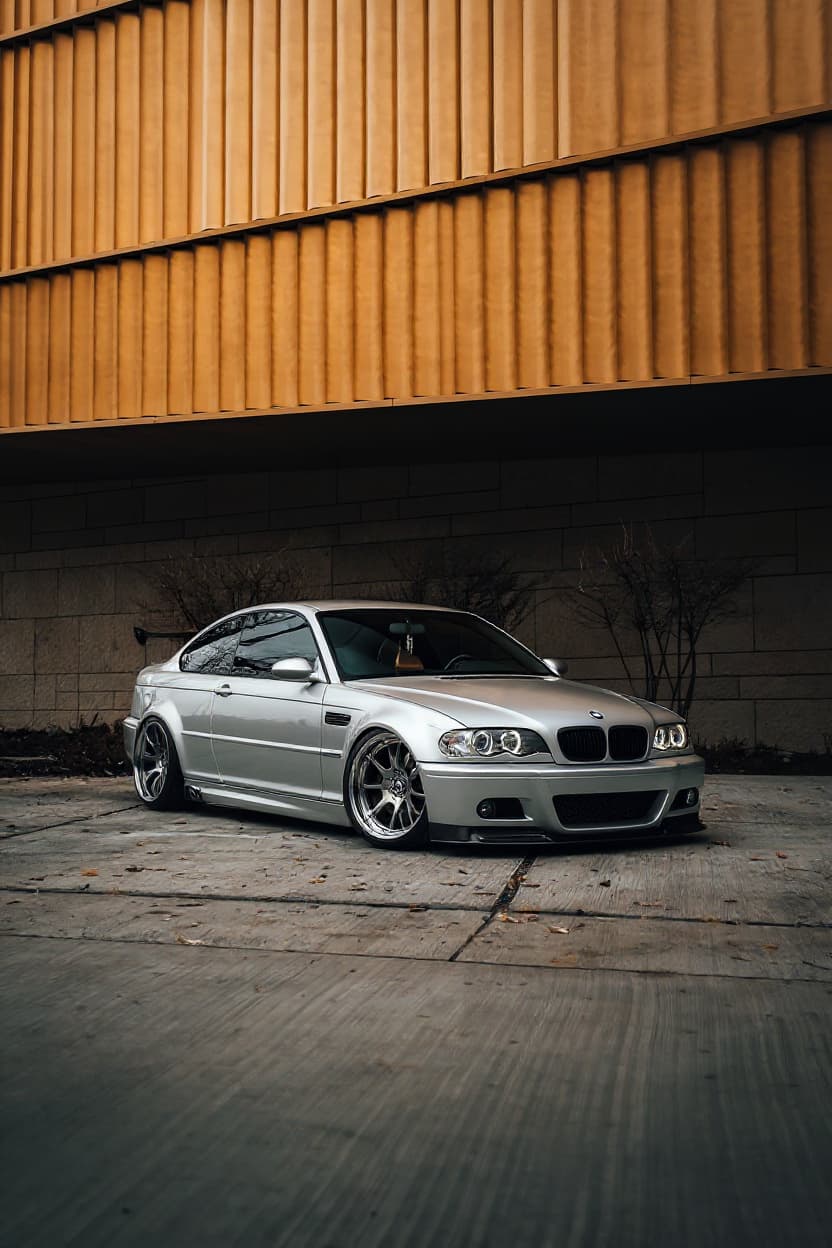 Style example
Model 3 Stance
Preview flush wheels and a hard drop before committing to coilovers and offsets.
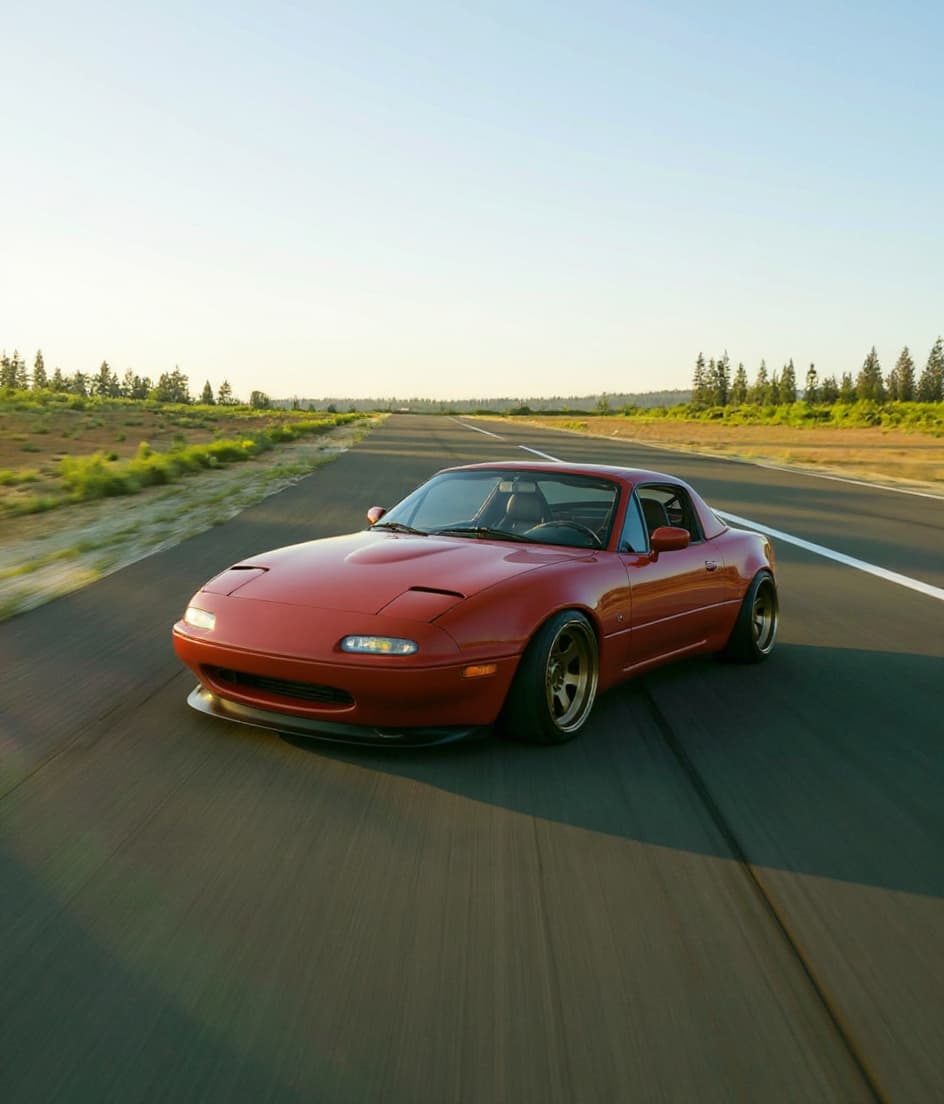 Style example
Model 3 Slammed
See your car on its belly: maximum drop, zero gap, show-stopping low.
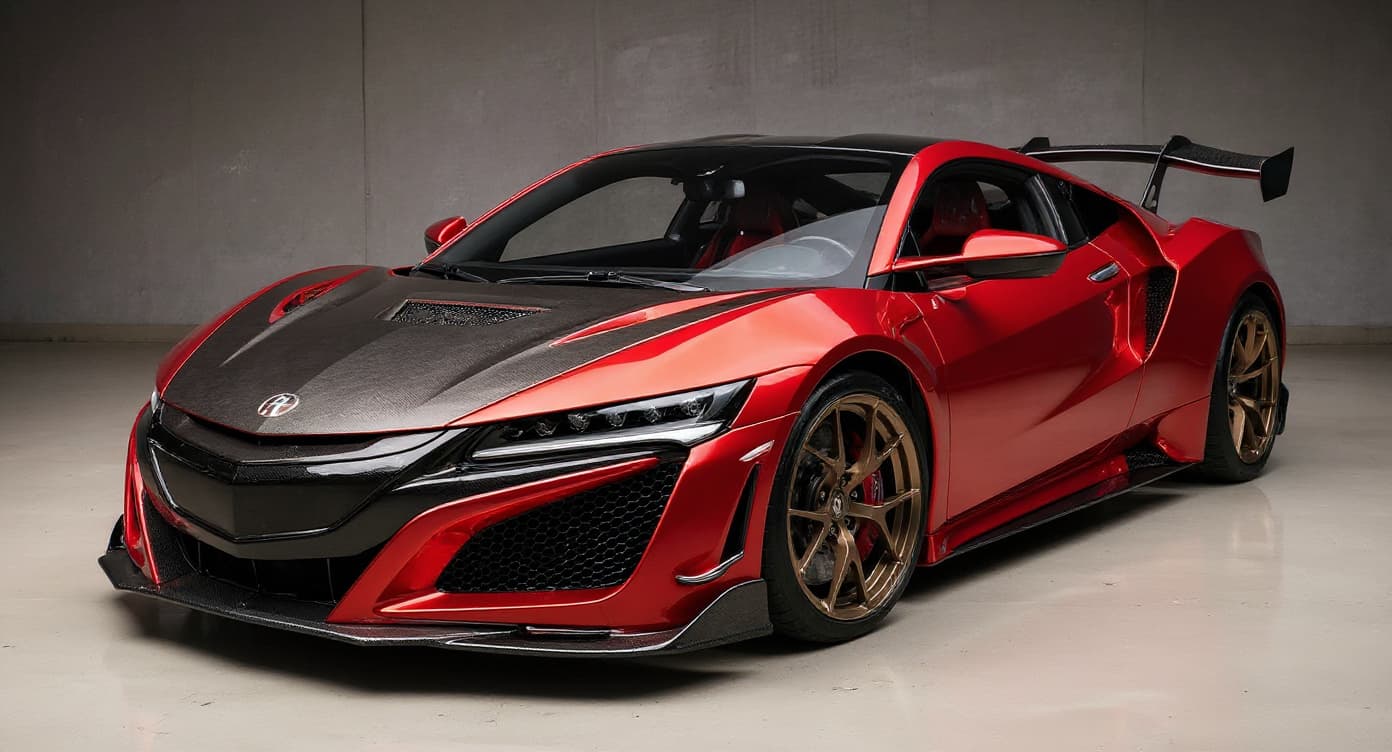 Style example
Model 3 JDM Style
From touge-spec to VIP, preview the JDM direction that suits your car.
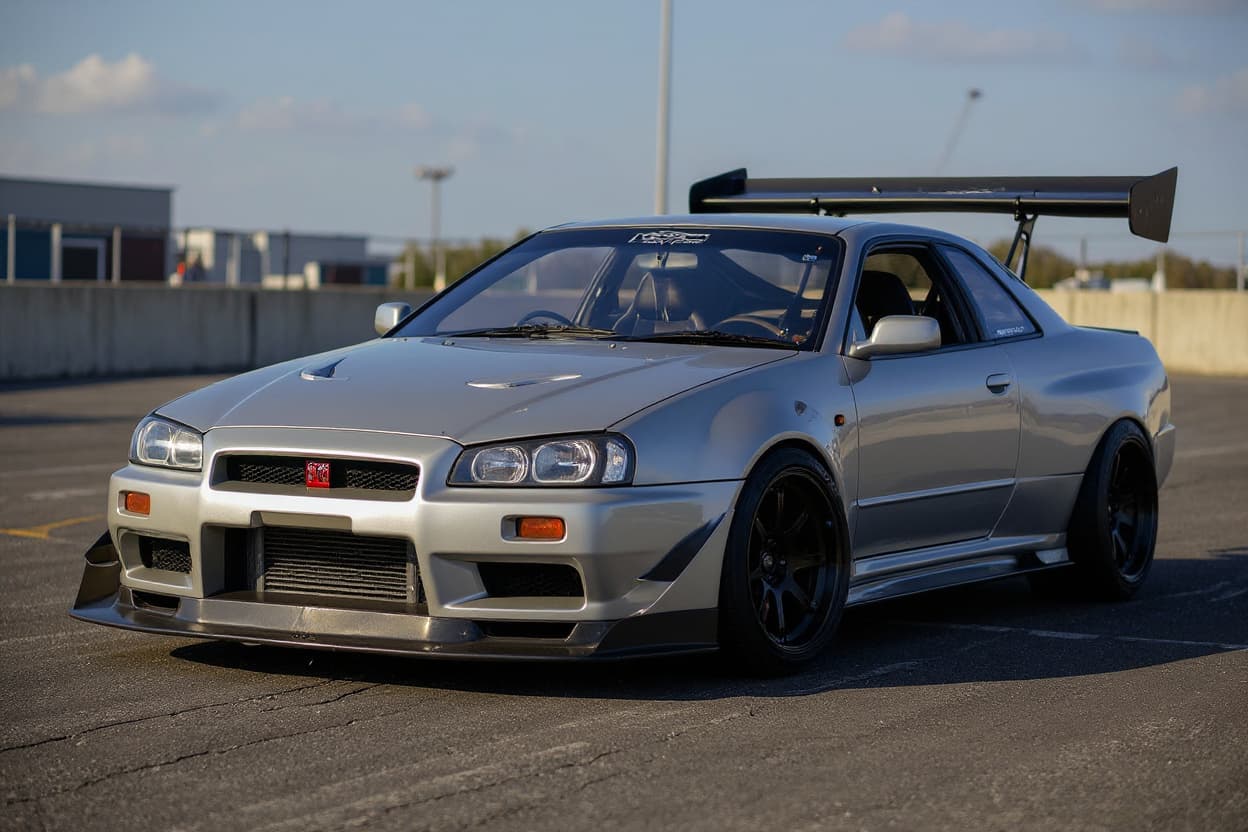 Style example
Model 3 Drift Build
Competition-style drift spec: aggressive aero, function-first wheels, livery.
 AI render
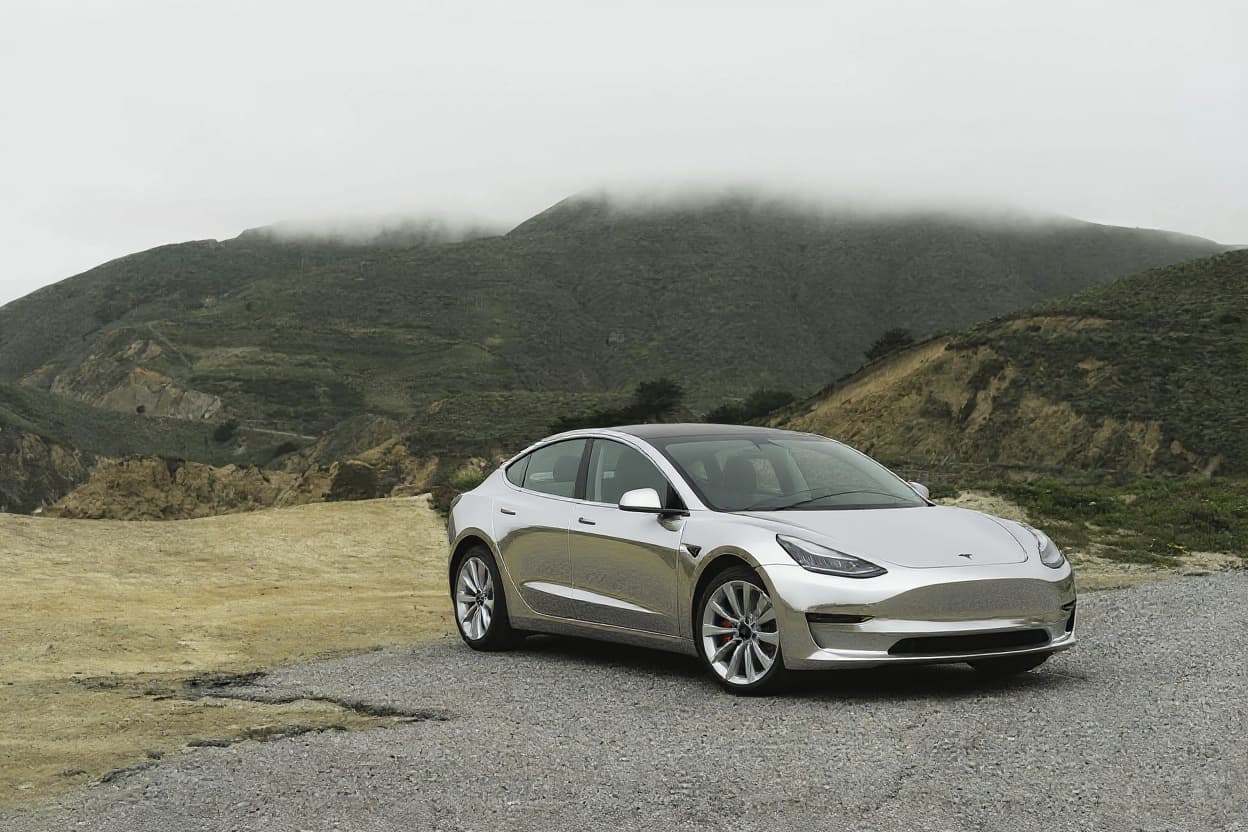
Model 3 Custom Wrap
The Model 3 taught a generation that vinyl is the colour catalogue.
 Style example
Model 3 Color Change
Render your car in any paint color — uniform, no bleed onto wheels or trim.
 Style example
Model 3 Offroad
See the lifted, all-terrain conversion rendered on your actual vehicle.
Just want new wheels on your Model 3?
See any rim style, finish and size on a Tesla Model 3 before you buy — free.
Rendering the Tesla Model 3
The Model 3 brought the EV into the mainstream and, with it, a tuning scene that nobody quite expected. Its clean, smooth body and silent powertrain make it an unusual but increasingly popular blank canvas for the modern modifier.
Lacking an engine to chase, builds are all about the visual: a lowering kit or air ride to drop the slightly tall factory stance, flush wheel fitment, and front lips, spoilers and diffusers that add aggression to the smooth shape. Colour-change wraps are hugely popular — chrome-delete trim and bold satin finishes transform the minimalist body. Bolt-on widebody kits widen the track for a proper performance-stance look, proving EV tuning is now firmly a style culture.
Model 3 culture split car people in half and built its scene from both camps: traditional tuners learning that mods here are software, aero and stance, and tech people discovering car enthusiasm for the first time through a machine they relate to. The community's obsessions are efficiency leaderboards, range impact of every change, and the quiet flex of instant torque — a car scene where a spreadsheet is as respected as a spanner.
Platform knowledge is EV-specific: there is no engine to tune, so the meaningful hardware levers are wheels, tyres, suspension and weight — each measured against range as much as feel. The dual-motor cars put down power AWD-style and reward grippier rubber; the rear-drive cars are lighter and more efficient. Suspension drops must respect the floor-mounted battery's ground clearance, and every accessory is judged by the onboard efficiency graph within a week of fitting.
Model 3 builds run 19-20in aero-style or concave wheels, often with chrome-delete trim, dropped flush for a low EV stance.
Model 3 renders reward clean, reflective-free light — the minimalist body reads through its surfacing, and the AI preserves your exact paint and glass roof while changing wheels, stance or wrap. It transforms your photographed car rather than loading a configurator model, so existing PPF or chrome delete carries through.
How to render your Model 3
- 1Upload your Model 3 photo, Any clear shot of your Tesla Model 3 works — or pick a stock reference image.
- 2Pick a modification style, Choose from Widebody Kit, Stance, Slammed, JDM Style, Drift Build, Custom Wrap, Color Change, Offroad. Each style is optimized for the Model 3's proportions and tuning culture.
- 3Get your render, About 30 seconds later your Model 3 comes back transformed — free tier watermarked, Pro in full HD.
Render the Model 3 build you're planning — free to try
Try it free →Tesla Model 3 render FAQ
What modification styles work on the Tesla Model 3?
TunedRides supports the following render styles for the Tesla Model 3: Widebody Kit, Stance, Slammed, JDM Style, Drift Build, Custom Wrap, Color Change, Offroad. Each style is rendered using AI trained on real modified Model 3 builds.
What wheels fit a Model 3?
The 5x114.3 pattern with a 64.1-millimetre bore, in factory sizes from 18 to 20 inches — and the factory aero covers pop off to reveal a conventional alloy underneath, which is the cheapest visual change the car offers. EV weight makes load rating a real spec, not a footnote.
What do Model 3 owners render most?
Wheels and wraps, in that order — the two changes that don't touch the warranty or the software. Satin and colour-shift wraps transform the minimalist body dramatically, and wheel swaps rescue the car from aero-cover anonymity.
Does modifying a Model 3 hurt its range?
Wheels are the honest trade: heavier, wider setups cost measurable range, which is why the scene defaults to lightweight flow-formed designs and keeps an eye on total rotating mass. Wraps are range-neutral armour for the paint. The render shows you the look; the spec sheet decides the efficiency price you pay for it, and most owners find the middle ground at a modest size bump.
Render your Model 3. Free.
Upload your car photo. See any build style rendered in 30 seconds. No subscription required for the free tier.
Upload a photo →