Audi · AI Tuning Renders
Audi S3, AI Tuning Renders
The S3 rendered your way: widebody, stanced, slammed or resprayed. Start with a photo; the render lands in about 30 seconds. Free tier available.
Choose a render style for your S3
The S3 grid is value-clean: a square-wheel drop and subtle lip lead, satin wraps and colour changes follow, all chasing the RS look affordably. Widebody is the rare show step; the render maps a sensible upgrade path on a discreet premium hatch.
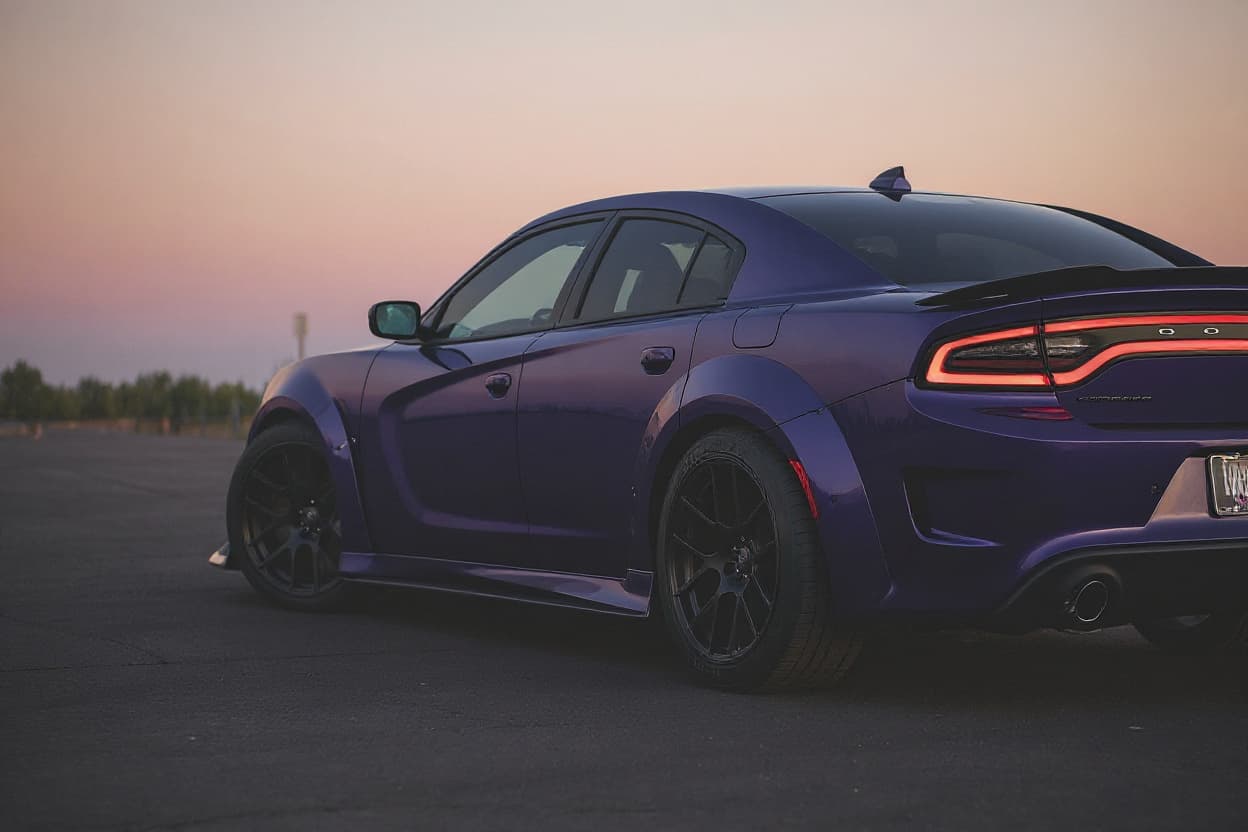 Style example
S3 Widebody Kit
Arch flares and a widened track rendered onto your own car's body and colour.
 Style example
S3 Stance
Render your car with stance fitment — slammed, cambered, hellaflush wheels.
 Style example
S3 Slammed
The laid-out look on your own car: maximum low, rendered photoreal.
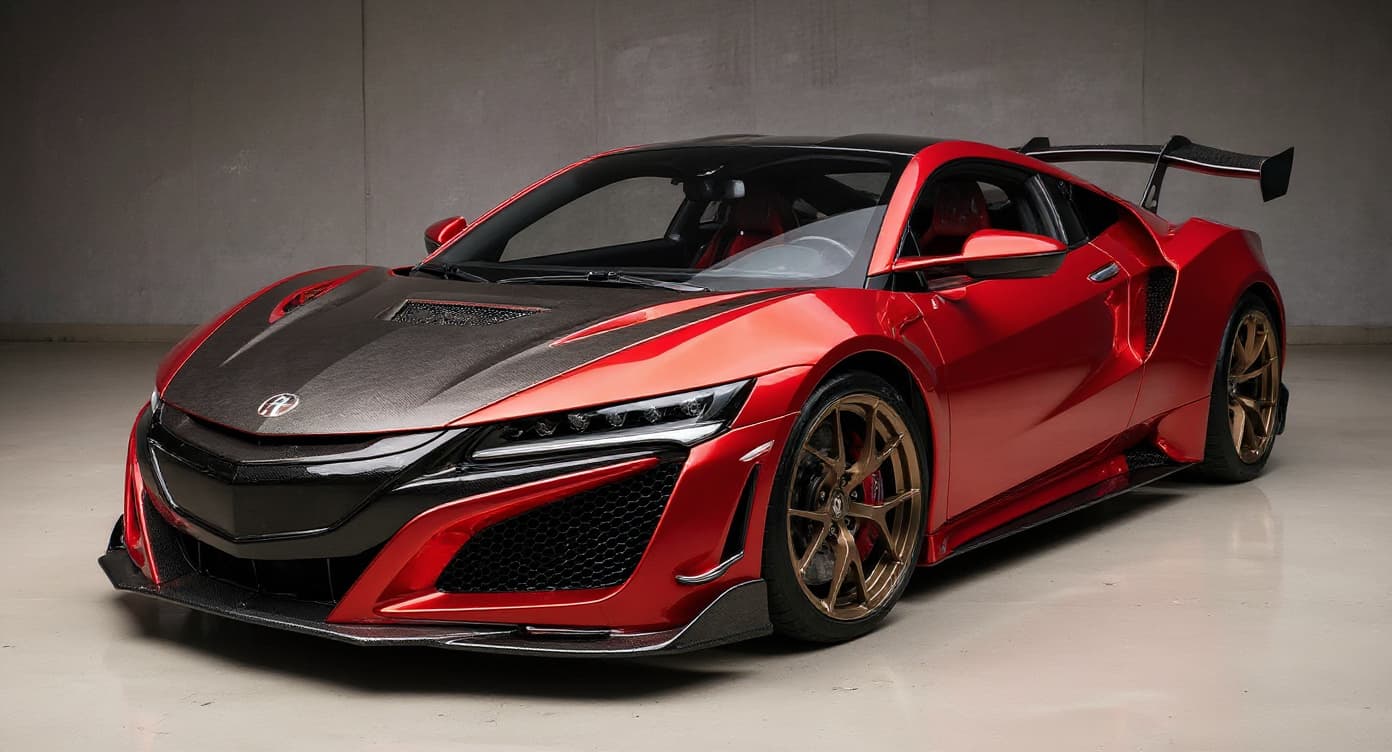 Style example
S3 JDM Style
See the Japan-scene treatment rendered before importing a single part.
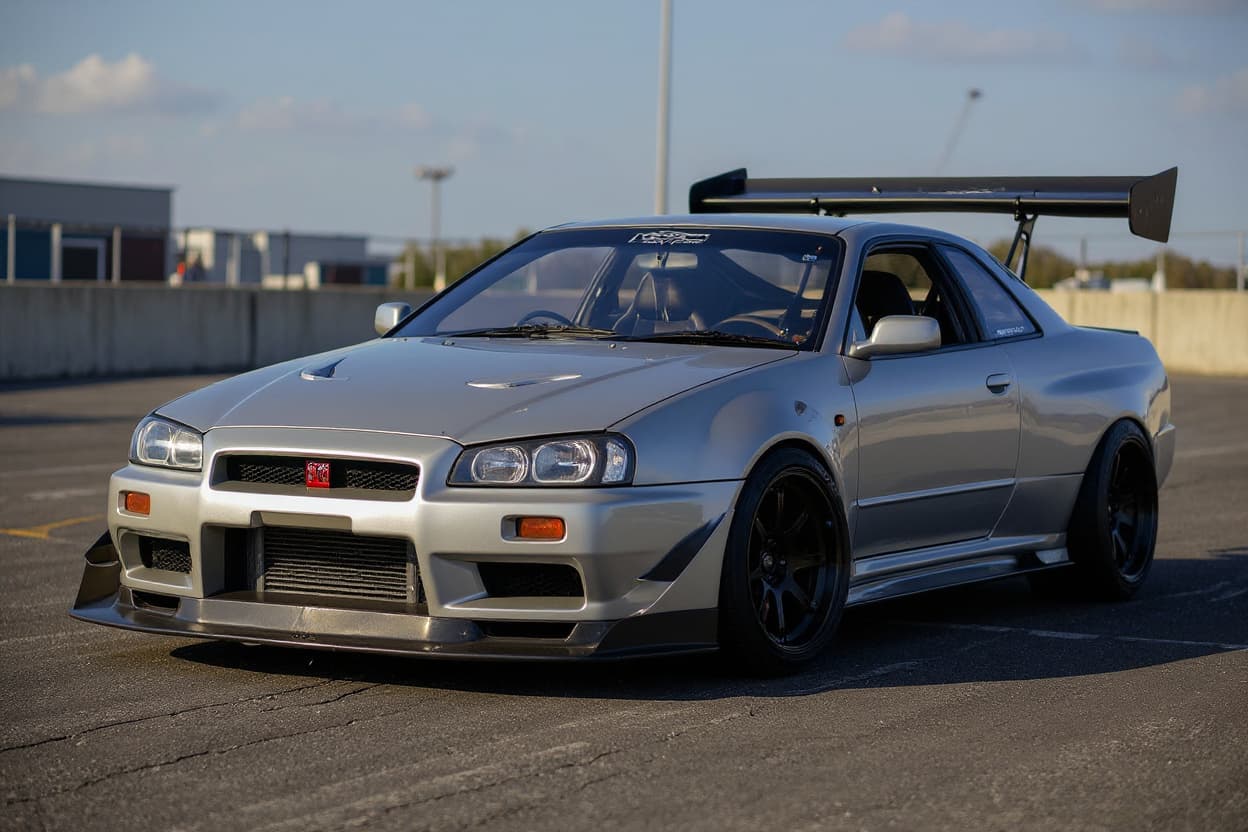 Style example
S3 Drift Build
Preview a drift-car conversion without touching a single suspension arm.
 Style example
S3 Custom Wrap
Your car in any wrap finish, rendered before a metre of vinyl is cut.
 Style example
S3 Color Change
Any colour, your car, rendered clean — trim and glass untouched.
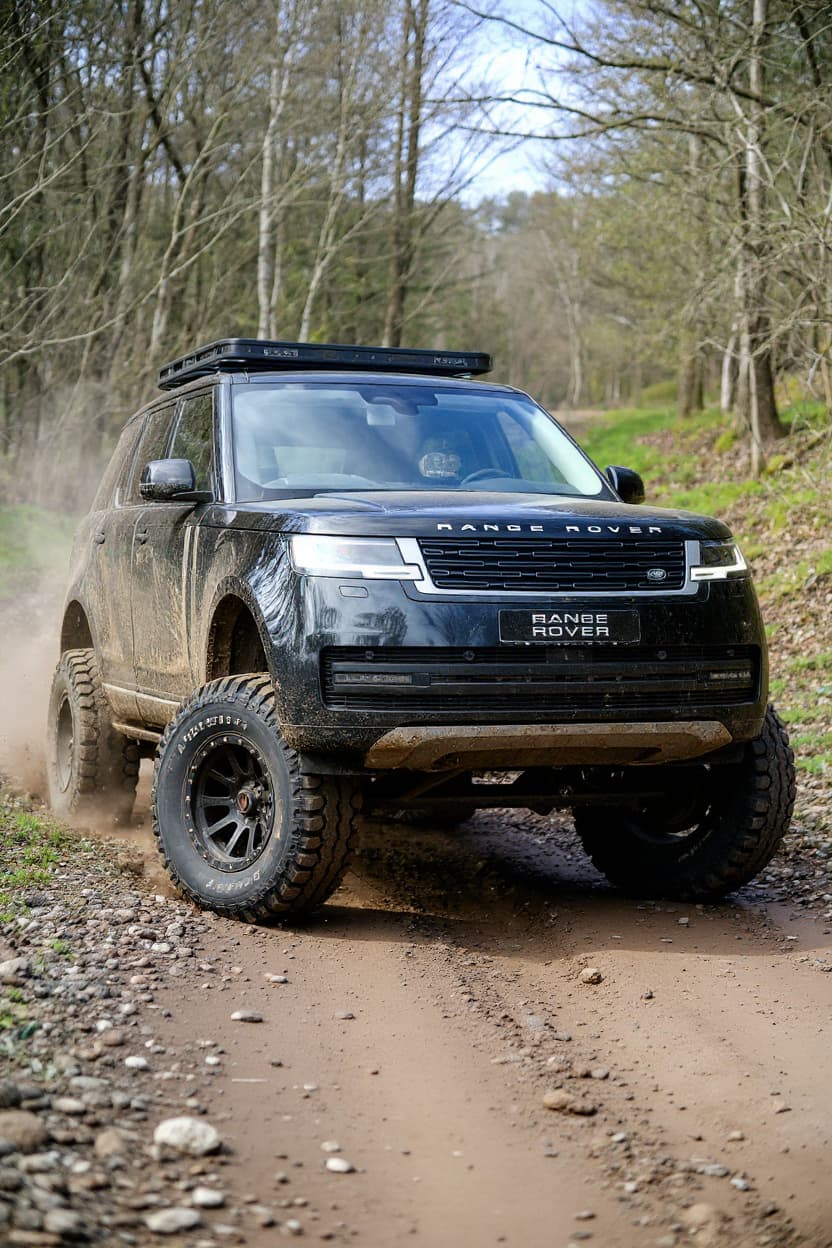 Style example
S3 Offroad
The trail build previewed: lift, chunky tyres and a purposeful ride height.
Just want new wheels on your S3?
See any rim style, finish and size on a Audi S3 before you buy — free.
Rendering the Audi S3
The S3 is the sensible enthusiast's Audi — a compact all-weather rocket that delivers most of an RS car's usable pace for far less money, which is exactly why the tuning scene loves it. Rendering one is about turning a discreet premium hatch into something with genuine presence on a real-world budget.
S3 builds are the value-tuner template: a drop, clean square wheels, a subtle lip and often a wrap, plus the easy power the turbo four gives up. Because it's the affordable entry, the scene is huge and inventive — owners chase the RS3 look and feel at a fraction of the cost, and the render helps them plan it.
The S3 community is the pragmatic core of the Audi world: people who wanted quattro pace and premium badge without RS money, then built a scene around making the most of it. Taste runs clean and RS-inspired, and the render is a cheap way to preview an upgrade path before spending.
The turbocharged four and quattro give the S3 its all-weather punch, and it shares the 5x112 pattern with its pricier siblings — so much of the RS-look wheel catalogue bolts straight on. The compact body drops well, tuning is cheap and effective, and the render settles the stance question before the wheels and coilovers go in.
Catch the S3 in a tight front three-quarter to show the quattro stance against the discreet hatch body. The render transforms your own car — your colour, body style, any lip — not a stock Audi, so a subtle daily S3 comes back with exactly the presence you planned.
How to render your S3
- 1Upload your S3 photo, Any clear shot of your Audi S3 works — or pick a stock reference image.
- 2Pick a modification style, Choose from Widebody Kit, Stance, Slammed, JDM Style, Drift Build, Custom Wrap, Color Change, Offroad. Each style is optimized for the S3's proportions and tuning culture.
- 3Get your render, About 30 seconds later your S3 comes back transformed — free tier watermarked, Pro in full HD.
Render the S3 build you're planning — free to try
Try it free →Audi S3 render FAQ
What modification styles work on the Audi S3?
TunedRides supports the following render styles for the Audi S3: Widebody Kit, Stance, Slammed, JDM Style, Drift Build, Custom Wrap, Color Change, Offroad. Each style is rendered using AI trained on real modified S3 builds.
What wheels fit an S3?
The 5x112 pattern, shared with the RS3 and the wider Audi range, so the catalogue is deep. Quattro rewards a square setup in clean 18s or 19s; the render shows how the RS-style fitment sits on your actual car before you buy.
Is the S3 worth building over an RS3?
For value, absolutely — the S3 gives most of the usable pace and the same premium feel for far less, with a big, inventive tuning scene. Many owners chase the RS3 look on an S3 budget, and the render helps plan exactly that.
What's the definitive S3 render?
A clean drop on square wheels with a subtle lip and maybe a satin wrap — RS presence on a real budget. The AI keeps your actual car's colour, so a Nardo Grey or Daytona Grey S3 renders as exactly that, sedan or Sportback.
Render your S3. Free.
Upload your car photo. See any build style rendered in 30 seconds. No subscription required for the free tier.
Upload a photo →