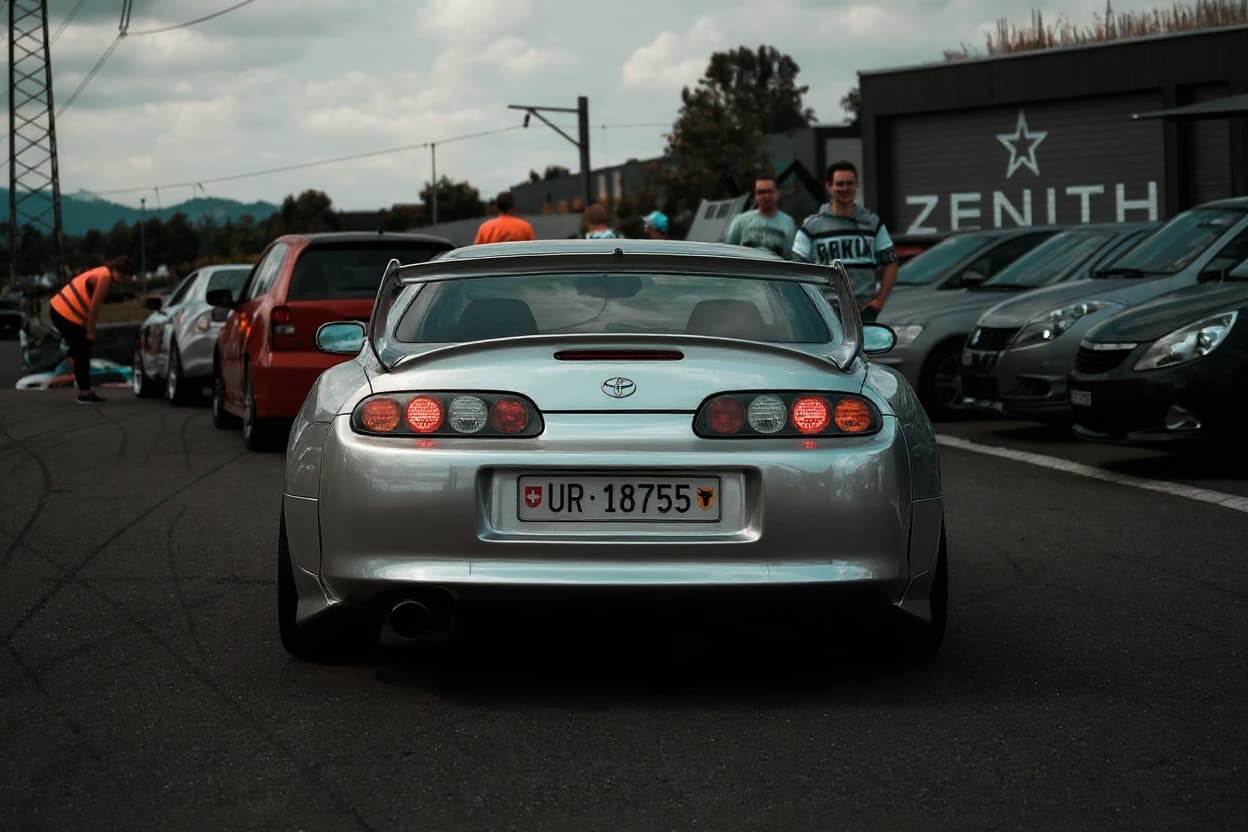
 AI render · Wraps
Car Wrap Design Software: What Wrap Shops Actually Run
Search "car wrap design software" and you get a confusing mix: $600/seat vinyl-cutter suites, free online colour previews, and AI generators that render a wrap onto your photo. They solve different problems. This guide breaks down the three categories, who each is for, and the fastest way to preview a wrap on your actual car before you spend a dollar on vinyl.
One quick disambiguation before the software: if what you actually want is a car wrap simulator — a tool that simulates a wrap colour or finish on your own car so you can see it before buying — you don't need any of the professional software below. That job is done in the browser by the free TunedRides wrap visualizer: upload a photo, pick a colour and finish, and the AI simulates the wrap on your actual car in about 30 seconds. The rest of this guide is for the people who design and produce wraps for a living.
The three kinds of car wrap design software
- Production / vinyl-cutter suites (Adobe Illustrator, CorelDRAW, SAi Flexi, Roland VersaWorks). This is what wrap shops actually print from — vector artwork laid onto a manufacturer vehicle template, then cut and printed. Powerful, but a steep learning curve and built for production, not quick previews.
- Online wrap visualizers / configurators let you preview colours and finishes on a generic 3D model of a car. Good for picking a vinyl colour (satin black vs gloss), weak for seeing it on your specific car.
- AI car wrap generators read a photo of your actual car and render the wrap or livery directly onto it. Fastest way to see the real result; best for selling the idea to a client or deciding on a direction.
Do you need full software at all?
If your goal is to print and install a wrap, yes — your shop runs production software and a manufacturer template. If your goal is to decide and preview — to see a colour, a livery, or a design idea on your car before committing — you don't need any of it. An online car wrap visualizer renders the look on your actual car in seconds, free, with no design skills.
How to design and preview a car wrap online
- 1Take a clean photo of your car — a side or three-quarter angle in even light works best.
- 2Upload it to an online wrap visualizer or AI car wrap generator.
- 3Choose a colour and finish (gloss, satin, matte, chrome) or describe a livery / design.
- 4Render and compare options side by side — a few directions before you settle.
- 5Take the winning render to your wrap shop as the visual brief, or hand it to a designer to turn into print-ready artwork.
The quickest path from idea to a photoreal preview on your own car: Design a car wrap online — free →
AI car wrap generators vs traditional design tools
A traditional vinyl suite gives you precise, print-ready control — and a long setup. An AI wrap designer gives you a believable preview on the real car in seconds, but isn't a print file. They're complements, not rivals: use AI to explore directions and sell the concept, then have a designer produce the cut-ready artwork from the approved look. For shops, that order kills the slow design-by-committee phase and closes jobs faster.
Tips for a wrap design that actually works
- Design for the body lines. A livery that ignores the car's creases and door gaps looks pasted on — preview it on the real car to catch this early.
- Mind the finish, not just the colour. Satin, gloss and matte read completely differently in sunlight; preview the finish, not a flat swatch.
- Check coverage. Partial wraps, roof-and-mirrors, and full wraps have very different costs — decide the coverage before you design.
- Preview before you pay. A full wrap runs $2,500–$5,000+; a render costs nothing and prevents the expensive "I didn't picture it like that" moment.
The Real Production Stack, Stage by Stage
If you are asking which software to actually buy, it helps to know that a wrap shop does not run one program — it runs a chain, and each link does a job the others cannot. Understanding the chain is what tells you which part of it you personally need, and which part you can skip entirely.
1. Vector design — where the artwork is drawn
This is Adobe Illustrator or CorelDRAW, and the choice between them is largely generational: Illustrator dominates design schools and the wider creative industry, while CorelDRAW has deep, long-standing roots in the sign and wrap trade and is still what a great many shops run. Affinity Designer is a credible, cheaper alternative if a subscription is the objection. The reason it must be vector and not Photoshop is scale: a wrap is printed at vehicle size, and vector artwork has no resolution to run out of. A logo dropped in as a low-resolution raster file will look acceptable on a monitor and be visibly soft across a van door.
2. Vehicle templates — the shape you draw onto
Nobody designs a wrap onto a blank rectangle. Shops lay artwork onto scale vehicle templates — accurate outline drawings of a specific make, model and year, showing every panel, door gap, handle and mirror in correct proportion. These are sold as subscription libraries and they are, quietly, the most important thing in this list: a template is the difference between artwork that fits the real car and artwork that discovers the wheel arch after it has been printed. If you are designing seriously, budget for template access.
3. RIP and print software — where the file becomes vinyl
This is the stage most people have never heard of. A RIP (Raster Image Processor) — SAi Flexi, ONYX, Roland VersaWorks, Caldera — is what turns your design file into instructions a wide-format printer can execute. It handles colour management, tiling the design across multiple printed panels, bleed, and the cut lines. It is the least glamorous software in the chain and the one that decides whether the colour on the van matches the colour on your screen. You only need it if you are the one printing.
4. The colour trap nobody warns you about
Here is the one that catches brands out. Your artwork is designed in RGB on a glowing screen, and it is printed in CMYK with ink onto film. Those are different colour spaces with different ranges, and some colours simply do not survive the journey — bright, saturated oranges, greens and blues are the usual casualties, and a brand's exact Pantone can come back visibly duller than the guideline document insists it should be. Good shops will tell you this up front and print a physical proof; the ones who do not are the ones you find out from after twenty vans are wrapped. If your brand colour is critical, ask for a printed sample on the actual film before the run.
5. Cut vinyl vs printed wrap — the fork that decides everything
Simple designs — lettering, stripes, a single-colour logo — are not printed at all. They are plotter-cut from rolls of stock-coloured film, which means no printer, no RIP, no colour trap, and a much lower cost. Only complex artwork with gradients, photographs or many colours needs to be printed onto white film and then laminated (and printed wraps must be laminated — the laminate is what protects the ink from UV and abrasion; skip it and the design fades and scuffs). Deciding which side of this fork you are on, early, changes both your software needs and your budget.
So which do you actually need?
If you are printing wraps, you need the whole chain. If you are a designer handing files to a shop, you need the vector suite and template access, and the shop's RIP is their problem. And if what you actually want is to see a wrap on your car — to choose a colour, judge a finish, or show a client — you need none of it. That is a different job entirely, and it is what the car wrap visualizer is for: no software, no template, no learning curve. For designing a livery specifically, the car livery design tool renders artwork onto a real body rather than a flat template, and car wrapping film prices covers what the vinyl itself costs.
Frequently Asked Questions
What software do wrap shops use to design car wraps?
Professional wrap shops design and print from vector suites like Adobe Illustrator or CorelDRAW combined with RIP/print software such as SAi Flexi or Roland VersaWorks, laying artwork onto a manufacturer vehicle template. It's production-grade and has a real learning curve — overkill if you only want to preview a wrap rather than print one.
Is there free car wrap design software?
Yes — for previewing. Free online car wrap visualizers and AI car wrap generators (including TunedRides) let you render colours, finishes and liveries onto a photo of your car at no cost. Free print-production software is rarer; the cutter/printer suites shops use are paid.
Can I design a car wrap online without downloading software?
Yes. Browser-based wrap visualizers and AI generators run entirely online — you upload a photo, pick a colour, finish or design, and get a render in seconds with nothing to install. It won't produce a print file, but it's the fastest way to decide on a direction.
What's the best app to design and preview a car wrap?
If you want a print-ready file, a desktop vinyl suite. If you want to see the wrap on your actual car to decide or to pitch a client, an AI car wrap generator is faster and needs no design skill — upload a photo, choose a look, and download the render.
How do I preview a wrap on my own car?
Upload a clear photo of your car to an online wrap visualizer, choose a colour and finish (or describe a livery), and it renders the wrap onto that exact car. Compare a few directions side by side, then take the winning render to your wrap shop as the brief.
Design and preview your wrap on a photo of your own car — colours, finishes and full liveries — before you commit to vinyl.
Try it free — free →No credit card required. Free tier available.