Nissan · AI Tuning Renders
Nissan 240SX S13, AI Tuning Renders
Plan the next 240SX move visually — kit, drop, wrap or colour. Covers 1989-1994. A single photo becomes a photoreal render in about 30 seconds, free to try.
Choose a render style for your 240SX
The 240SX grid is US-drift: grassroots drift and clean-stance builds lead, overfender fitment and livery wraps follow. The affordable drift gateway of a generation; the render tests a missile-car or fitment direction on the KA-or-SR S13.
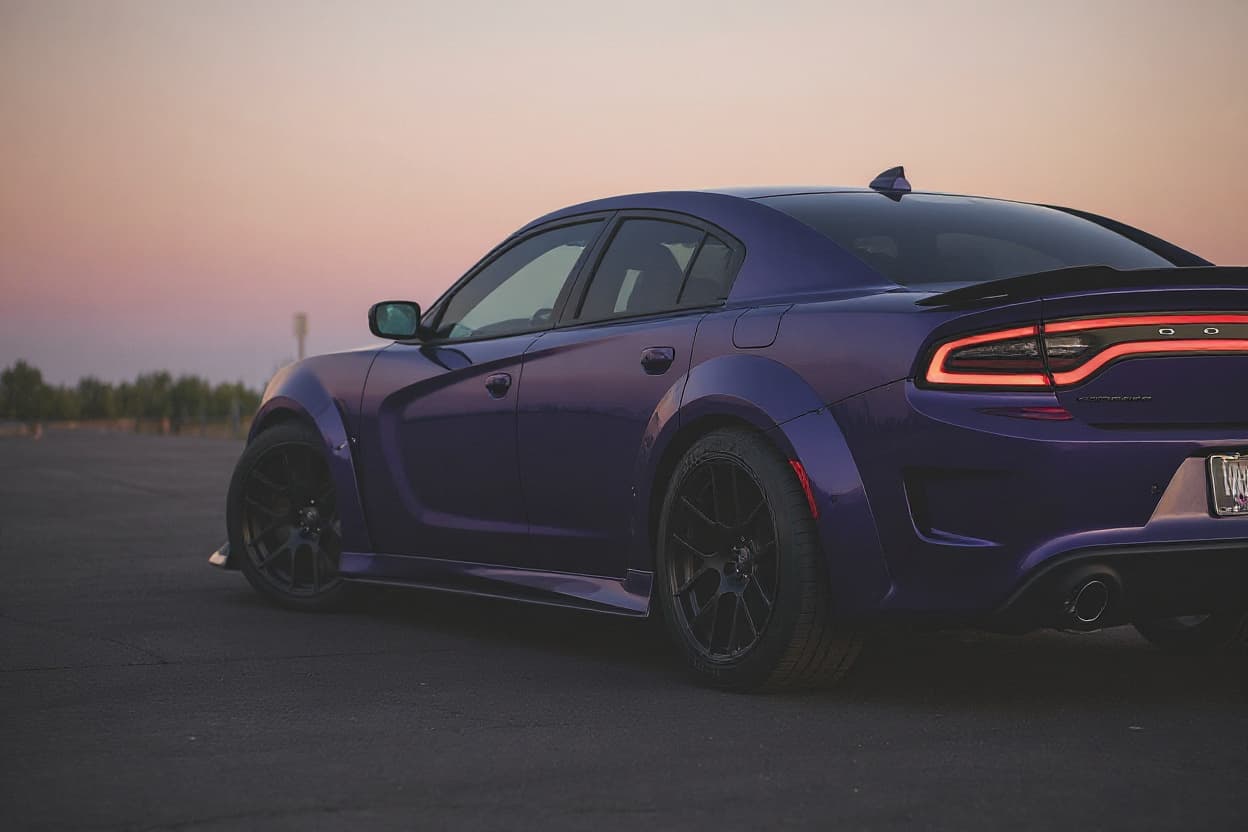 Style example
240SX Widebody Kit
Arch flares and a widened track rendered onto your own car's body and colour.
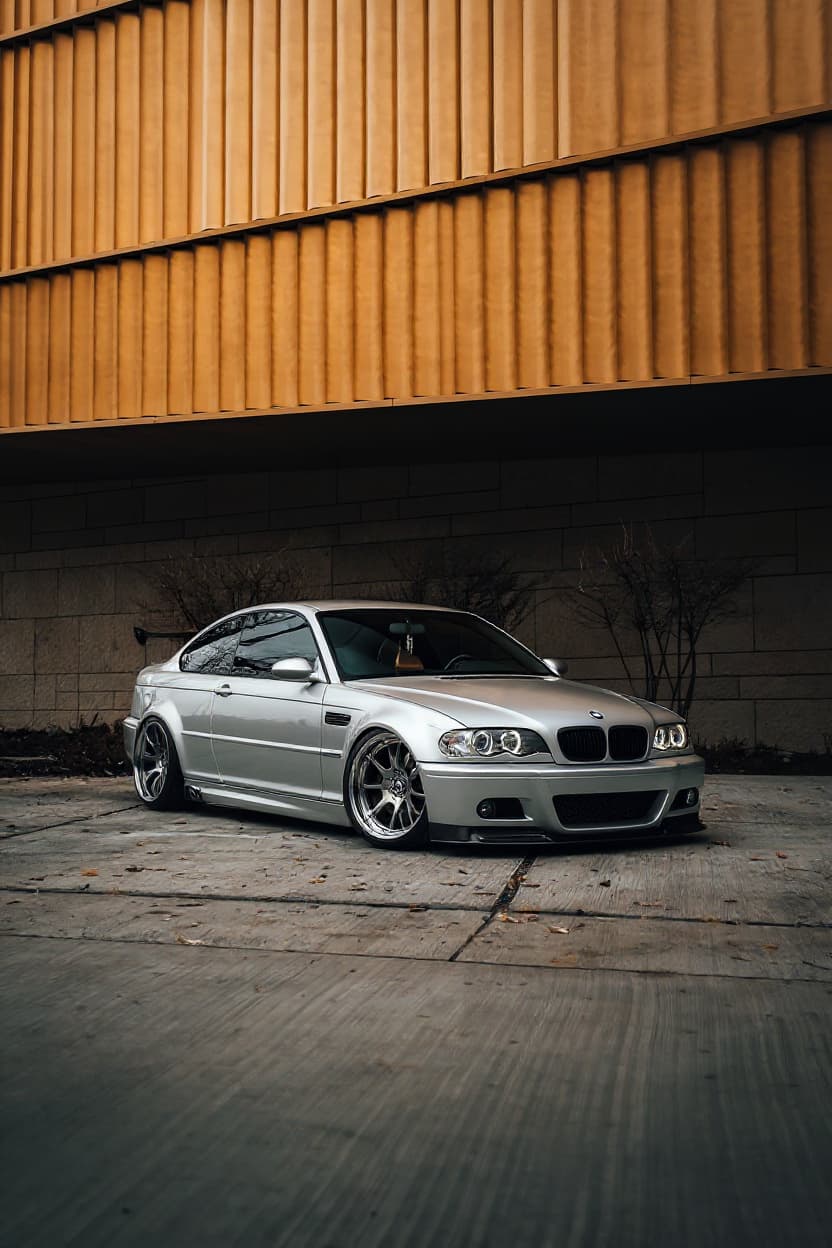 Style example
240SX Stance
Render your car with stance fitment — slammed, cambered, hellaflush wheels.
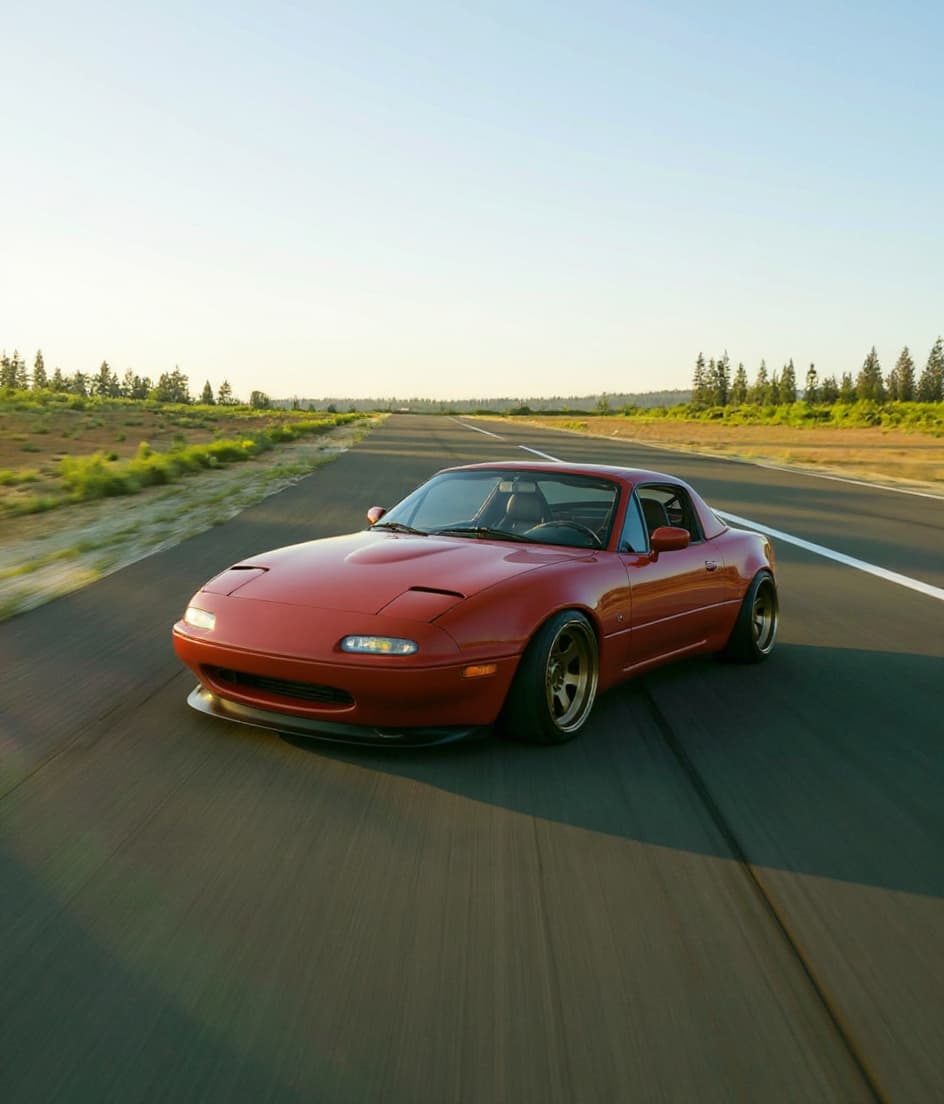 Style example
240SX Slammed
Frame-down stance rendered on your actual car, driveway decisions later.
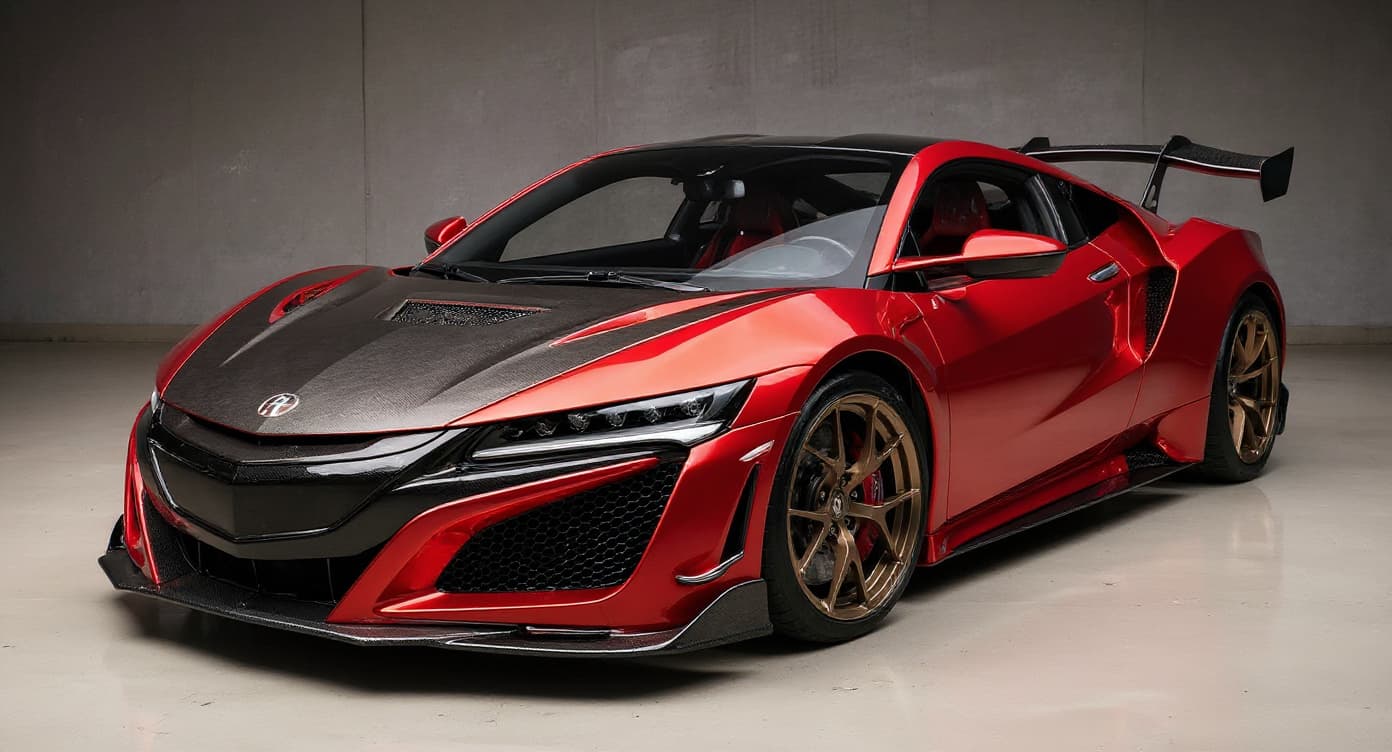 Style example
240SX JDM Style
Japanese tuner-scene styling — see the full conversion before collecting parts.
 AI render
240SX Drift Build
The 240SX is the S13 America actually got — and the differences from the Japanese Silvia wrote the script for the entire US drift scene. 4-litre truck-derived four making modest power, where Japan got the turbocharged SR20DET.
 Style example
240SX Custom Wrap
Any vinyl wrap design rendered on your car — matte, gloss, chrome or full livery.
 Style example
240SX Color Change
Try any colour on your actual car: metallics, pearls, candies, factory shades.
 Style example
240SX Offroad
Your vehicle raised and kitted for the trail, rendered photoreal.
Just want new wheels on your 240SX?
See any rim style, finish and size on a Nissan 240SX S13 before you buy — free.
Rendering the Nissan 240SX S13
The 240SX (S13) is the American drift gateway — the US-market Silvia sibling, sold with the torquey KA24 rather than the JDM SR20, that became the affordable, ubiquitous entry to drifting for a generation of North American builders. Rendering one is about that clean coupe or fastback body: pure grassroots-drift canvas.
240SX builds are the US-drift template: keep the KA24 (the KA-T turbo route) or swap in an SR20 or JZ, add an angle kit, a welded diff and coilovers, and run clean stance or a missile-car look. The pop-up coupe and fixed-light fastback bodies each have their fans, and the render previews the drift or stance spec.
240SX culture is the North-American drift-origin scene: cheaper and more plentiful than any JDM Silvia, it put a generation sideways on a budget, and the KA24-vs-SR20 debate is part of its identity. The scene runs from beat-in missile car to clean stance, and rendering lets owners preview a front-end and fitment on the drift gateway.
The 240SX shares the S13 chassis with the Silvia but came with the torquey KA24 four-cylinder, the starting point for KA-T, SR20 or JZ swaps. It runs a 5x114.3 pattern, the coupe and fastback bodies take angle kits and overfenders, and the render shows how a drift or stance spec reads on the US drift gateway.
A low front three-quarter that catches the front end and any overfenders shows the 240SX at its best. The render reworks your actual car — coupe or fastback, your colour, wheels — rather than a generic coupe, so the US drift gateway comes back true.
How to render your 240SX
- 1Upload your 240SX photo, Any clear shot of your Nissan 240SX S13 works — or pick a stock reference image.
- 2Pick a modification style, Choose from Widebody Kit, Stance, Slammed, JDM Style, Drift Build, Custom Wrap, Color Change, Offroad. Each style is optimized for the 240SX's proportions and tuning culture.
- 3Get your render, About 30 seconds later your 240SX comes back transformed — free tier watermarked, Pro in full HD.
See your 240SX transformed — free tier, no card needed
Try it free →Nissan 240SX S13 render FAQ
What modification styles work on the Nissan 240SX S13?
TunedRides supports the following render styles for the Nissan 240SX S13: Widebody Kit, Stance, Slammed, JDM Style, Drift Build, Custom Wrap, Color Change, Offroad. Each style is rendered using AI trained on real modified 240SX builds.
What's the difference between a 240SX and a Silvia?
The 240SX is the US-market S13 sibling, sold with the torquey KA24 four-cylinder instead of the JDM Silvia's turbo SR20 — hence the endless KA-vs-SR swap debate. It shares the chassis and drift talent, and the render reflects your actual car's front end and spec.
What wheels suit a 240SX?
The 5x114.3 pattern opens a huge drift and stance catalogue. Aggressive-offset wheels with stretch under overfenders suit drift builds; the render shows the fitment on your actual coupe or fastback before you commit.
What's the definitive 240SX render?
A grassroots drift build — angle kit, overfenders, a livery or missile finish — or a clean stance look. The AI keeps your actual car's colour and front end, so a coupe or fastback 240SX renders as exactly that.
Render your 240SX. Free.
Upload your car photo. See any build style rendered in 30 seconds. No subscription required for the free tier.
Upload a photo →