Hyundai · AI Tuning Renders
Hyundai Elantra, AI Tuning Renders
Plan the next Elantra move visually — kit, drop, wrap or colour. A single photo becomes a photoreal render in about 30 seconds, free to try.
Choose a render style for your Elantra
The Elantra grid rides on its dramatic styling: stance and slammed fitment lead (the sharp body rewards them), wraps and colour changes exploit the parametric surfacing, and clean aero completes the look. The widebody kit is the show outlier; JDM and drift treatments stay the deliberate provocations.
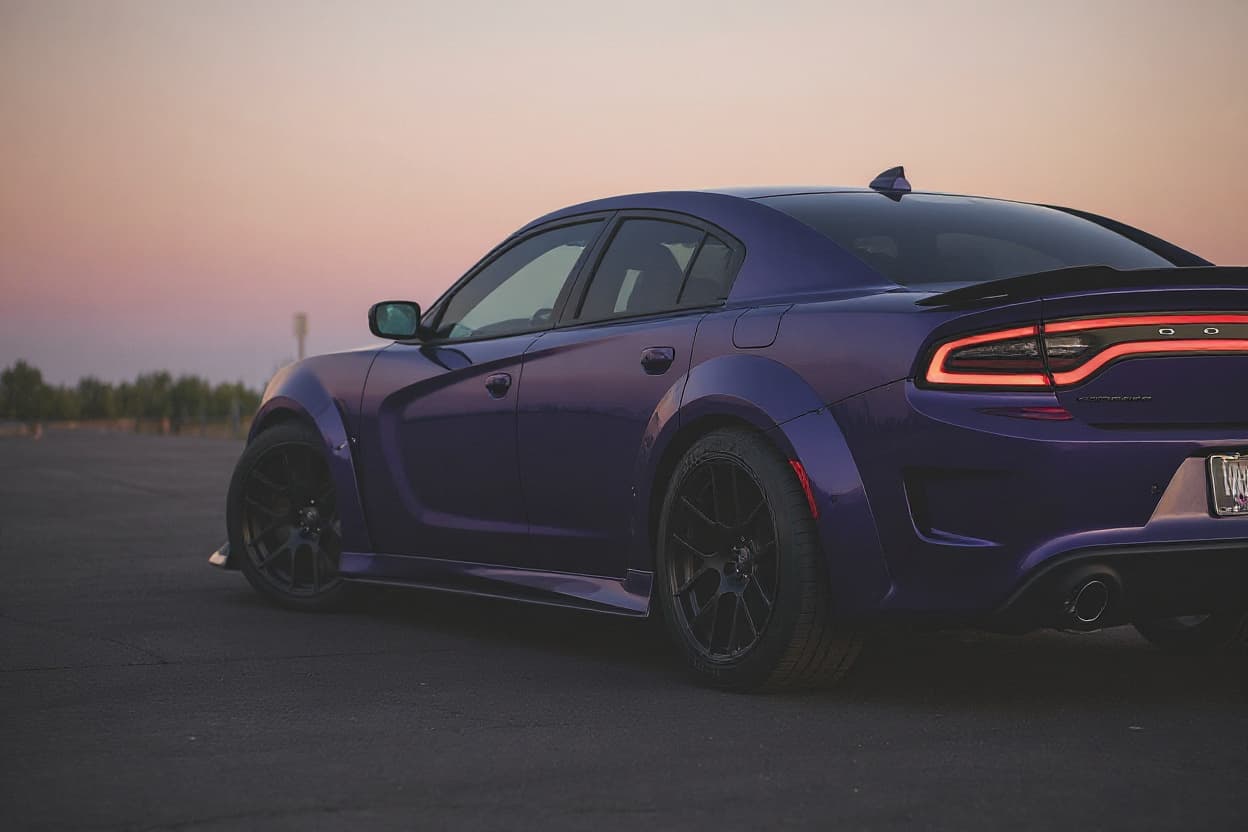 Style example
Elantra Widebody Kit
Arch flares and a widened track rendered onto your own car's body and colour.
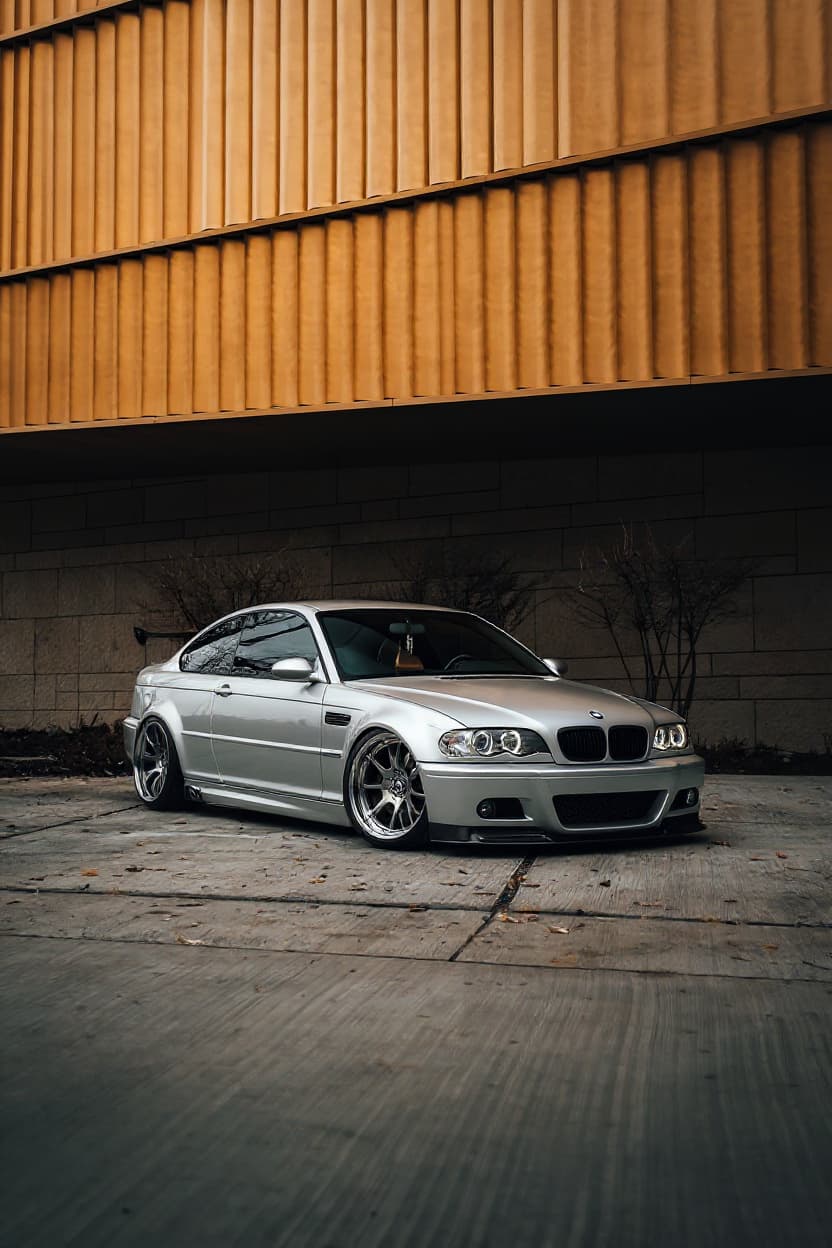 Style example
Elantra Stance
Preview flush wheels and a hard drop before committing to coilovers and offsets.
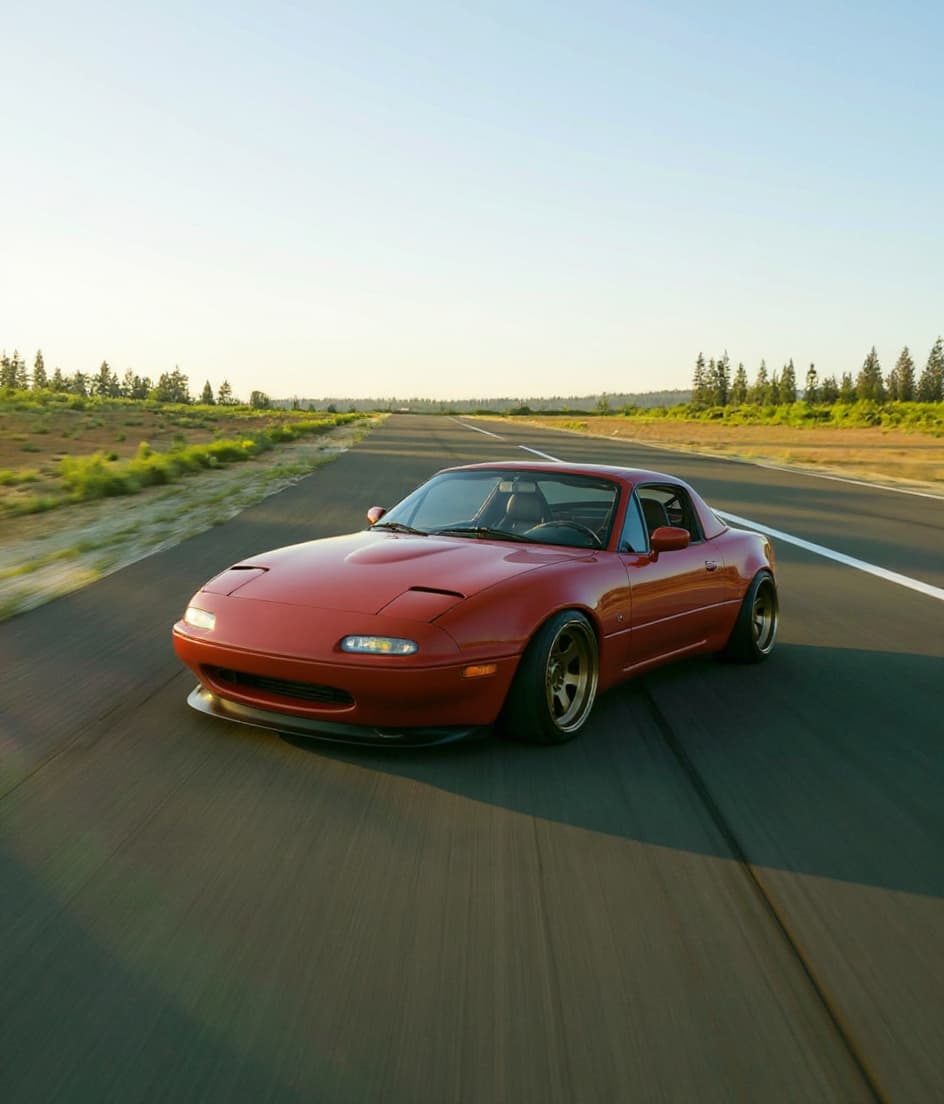 Style example
Elantra Slammed
Frame-down stance rendered on your actual car, driveway decisions later.
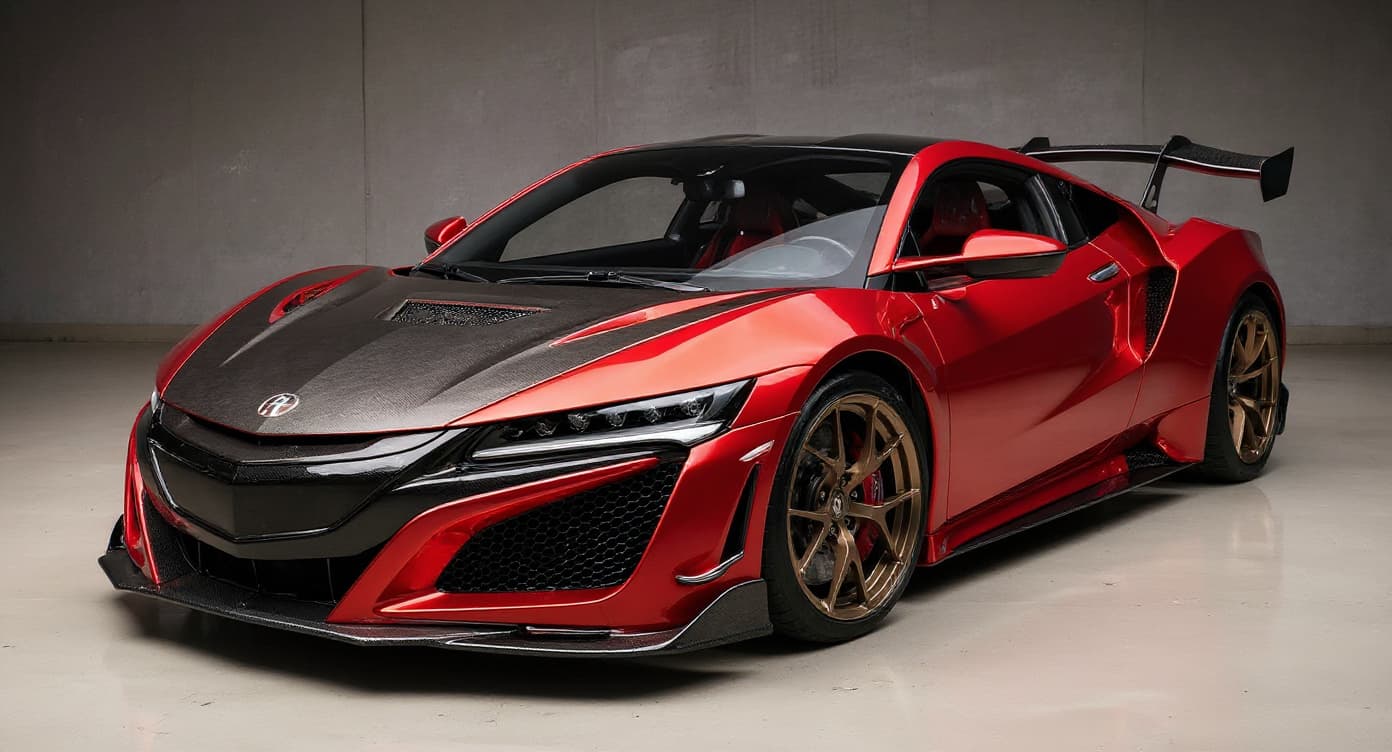 Style example
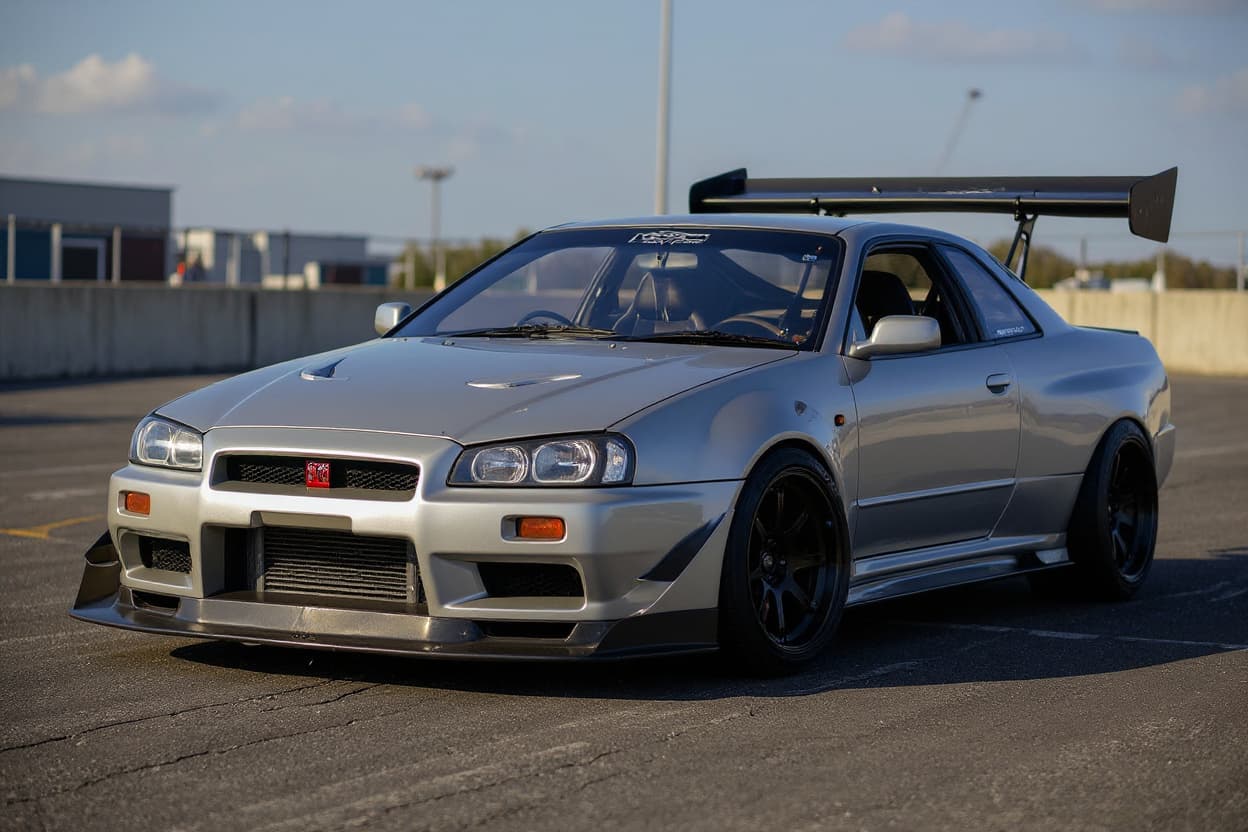
Elantra JDM Style
See the Japan-scene treatment rendered before importing a single part.
 Style example
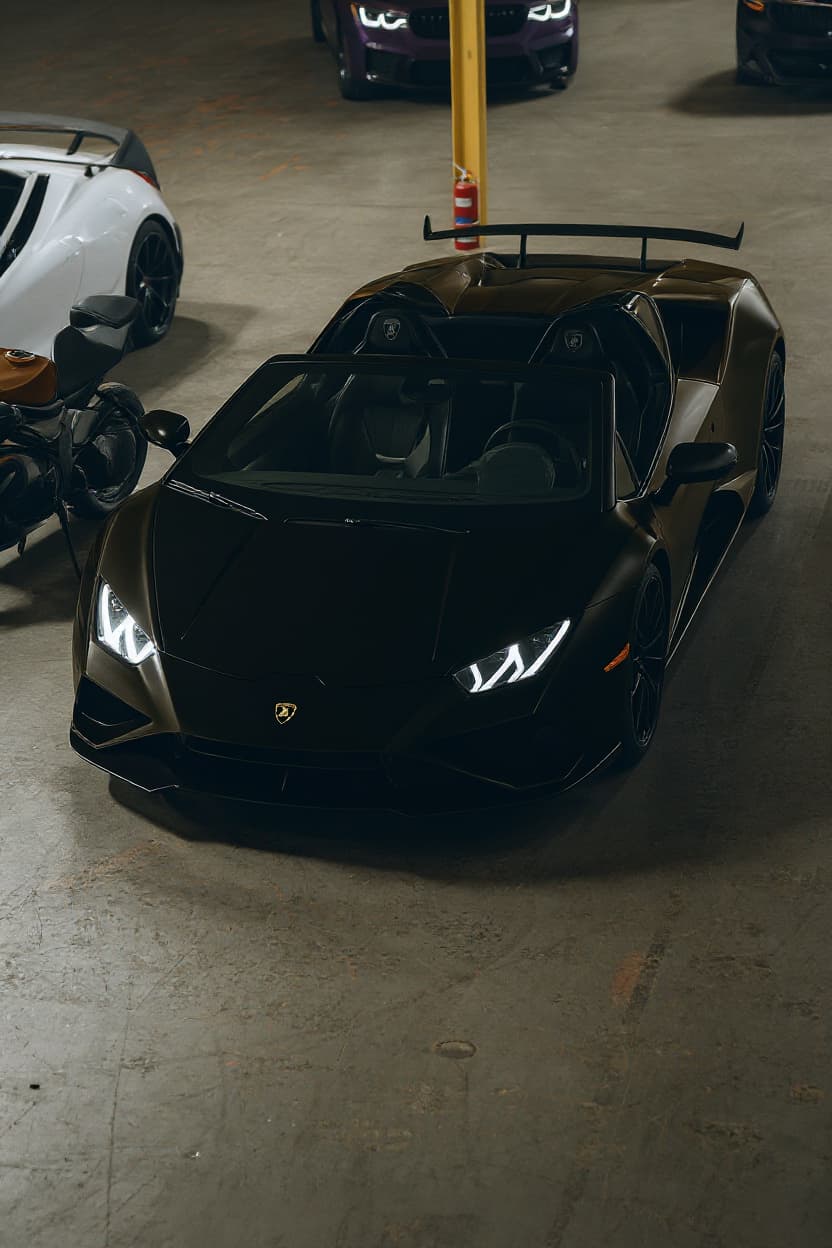
Elantra Drift Build
The Elantra drift question deserves the honest answer first: the Elantra is front-wheel drive, and conventional drifting — sustained, throttle-steered oversteer — is a rear-drive discipline the platform's layout simply cannot perform.
 Style example
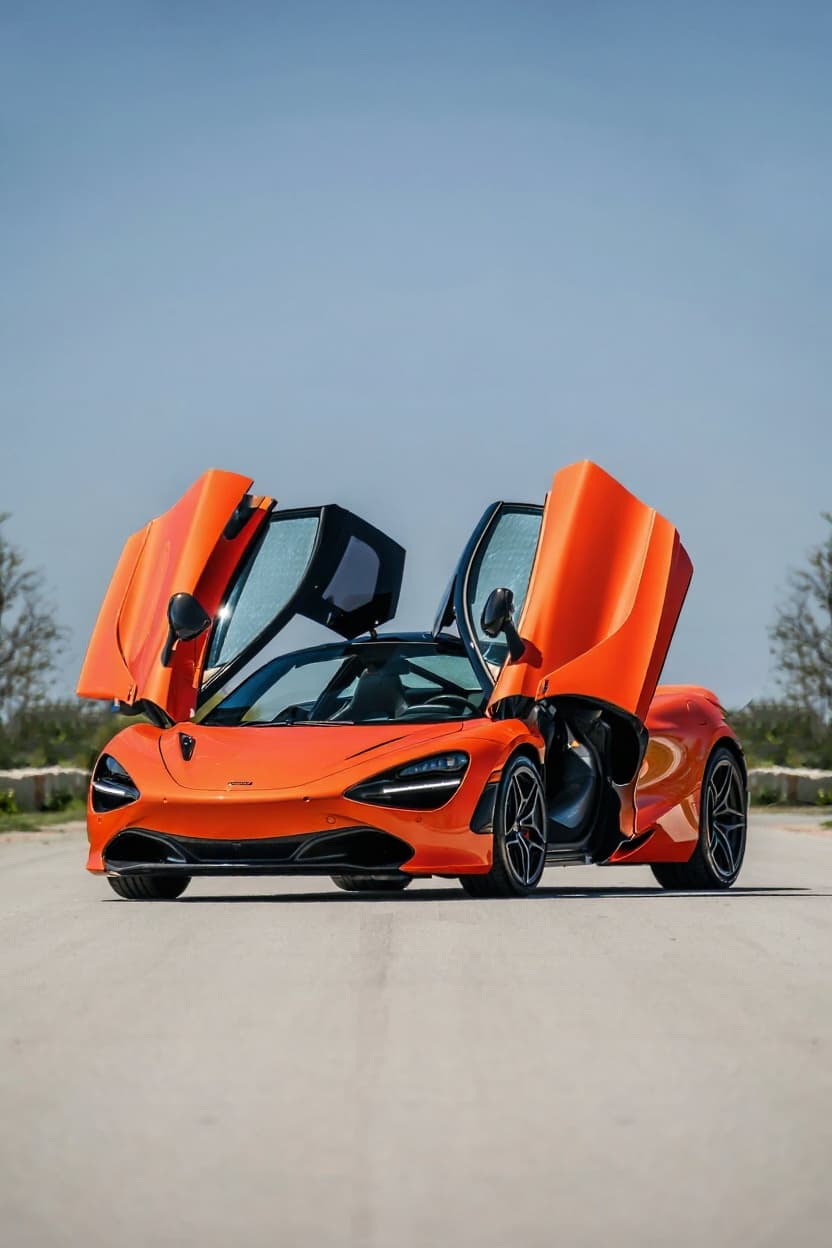
Elantra Custom Wrap
Your car in any film — finish, colour and graphics rendered photoreal.
 Style example
Elantra Color Change
Try any colour on your actual car: metallics, pearls, candies, factory shades.
 Style example
Elantra Offroad
See your vehicle in overland spec — raised, armoured and trail-ready.
Just want new wheels on your Elantra?
See any rim style, finish and size on a Hyundai Elantra before you buy — free.
Rendering the Hyundai Elantra
The Elantra is Hyundai's compact sedan — affordable, sharply styled in its latest form, and a sensible commuter at heart. Its angular modern bodywork has earned it a modest budget-tuner following chasing a clean, aggressive-looking stance.
Builds make the most of the sharp factory styling: a spring or coilover drop to delete the wheel gap, a clean set of wheels, a subtle lip kit and blacked-out trim. A colour-change wrap suits the creased modern body, and the N Line trim's sportier bumpers give a more aggressive base. The standard car stays mild underneath, so the appeal is a tidy, low budget build that plays up the dramatic angular design rather than chasing power.
Elantra culture formed around a design gamble: the current generation's parametric creases divided opinion so sharply that the styling itself became the scene's recruiting tool — builders chose the car because it already looked rendered. It marks Hyundai's credibility era too: a budget nameplate that now gets discussed on merit rather than price, with a young owner base that treats wraps and fitment as the native language of car ownership.
The trim ladder tells the platform story: the base cars stay commuter-calm, the N Line adds a 1.6-litre turbo and multi-link rear suspension as the genuine middle step, and the full Elantra N donates the halo — proper hardware that reflects credibility down the whole range. A hybrid variant covers the efficiency flank. The angular bodywork photographs dramatically in satin and colour-shift finishes, which is precisely why the wrap community adopted the shape so quickly.
Elantra builds run 18in wheels with an aggressive concave face, dropped flush to suit the angular bodywork.
Elantras render best from a low three-quarter that catches the parametric creases the current body is known for. The AI transforms your actual car — trim, colour, wheels — rather than a stock render, so the folded bodywork you own is what gets reimagined.
How to render your Elantra
- 1Upload your Elantra photo, Any clear shot of your Hyundai Elantra works — or pick a stock reference image.
- 2Pick a modification style, Choose from Widebody Kit, Stance, Slammed, JDM Style, Drift Build, Custom Wrap, Color Change, Offroad. Each style is optimized for the Elantra's proportions and tuning culture.
- 3Get your render, About 30 seconds later your Elantra comes back transformed — free tier watermarked, Pro in full HD.
Put your Elantra through a render — free tier available
Try it free →Hyundai Elantra render FAQ
What modification styles work on the Hyundai Elantra?
TunedRides supports the following render styles for the Hyundai Elantra: Widebody Kit, Stance, Slammed, JDM Style, Drift Build, Custom Wrap, Color Change, Offroad. Each style is rendered using AI trained on real modified Elantra builds.
Is the Elantra a real build platform?
The angular current generation made it one — its sharp, folded bodywork took to the stance scene, and a dropped Elantra on flush wheels looks intentional rather than economical. The render shows the transformation honestly.
Elantra or Elantra N for a build?
The render works for both — the AI transforms the car in your photo. The standard car builds as a clean stance project; the N brings factory performance hardware. Your own trim is what renders, N badge or not.
What's the sharpest Elantra render?
A drop, flush wheels and a wrap that plays up the parametric bodywork — the dramatic surfacing gives colour and light more to catch than most economy sedans. Restraint suits the sharp lines best.
Render your Elantra. Free.
Upload your car photo. See any build style rendered in 30 seconds. No subscription required for the free tier.
Upload a photo →