BMW · AI Tuning Renders
BMW i8, AI Tuning Renders
Your i8, rendered in any build style — wide kit, dropped, wrapped or lifted. Photo in, photoreal render out in about 30 seconds. Free to start.
Choose a render style for your i8
The i8 grid is futurist-amplified: colour-shift wraps and aggressive wheels lead, subtle aero and accents follow, and bold colour changes suit the concept-car body. Widebody and JDM are rare on the hybrid halo; the render heightens drama rather than reinventing the shape.
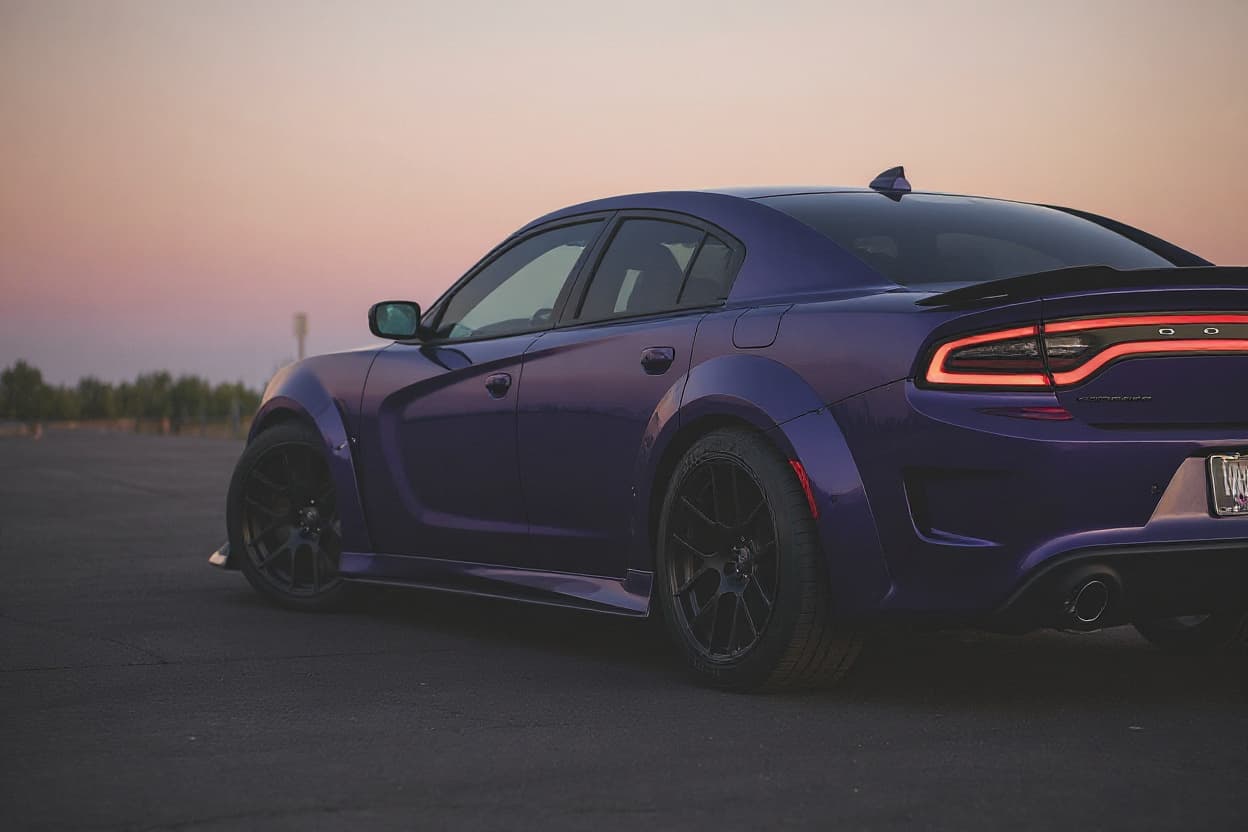 Style example
i8 Widebody Kit
Flared arches and a wider footprint, rendered on your exact car before any metal gets cut.
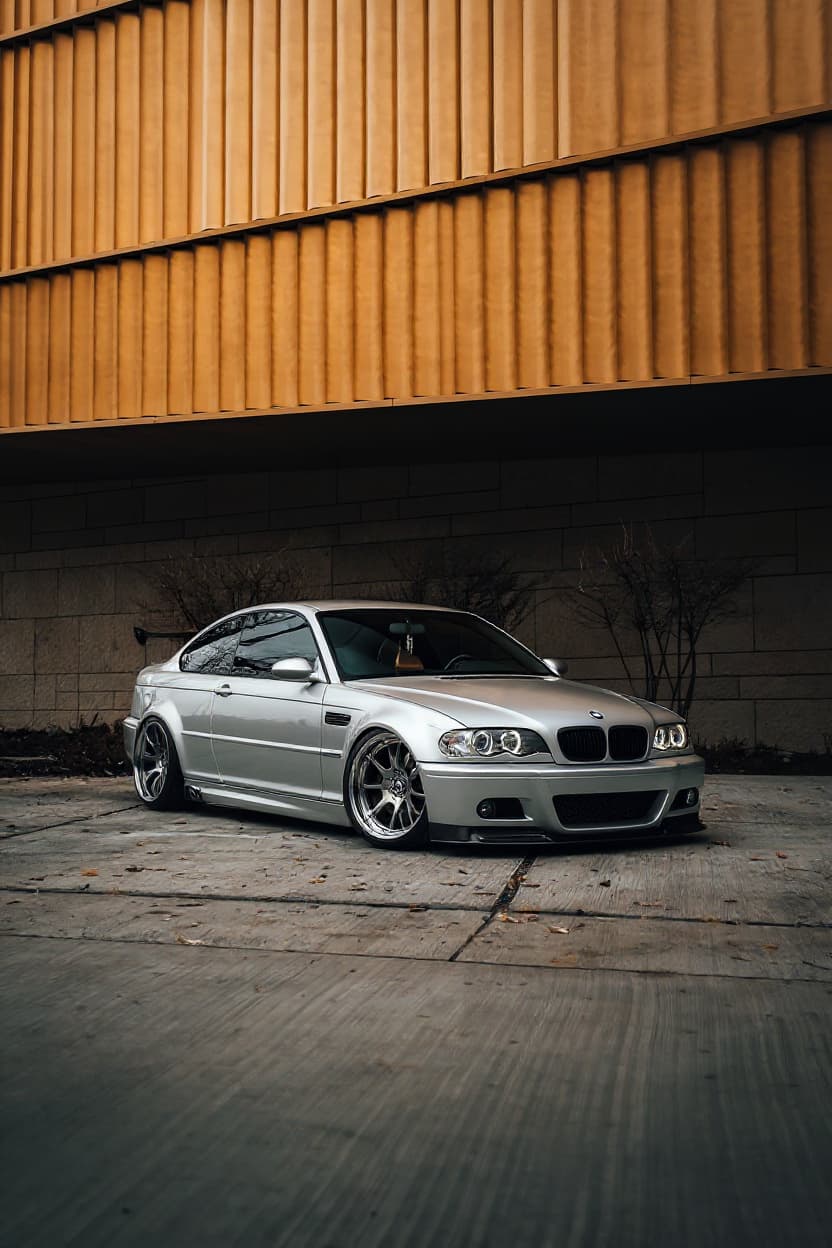 Style example
i8 Stance
The fitted look: aggressive offset, tucked tyres, millimetre-perfect arch gap.
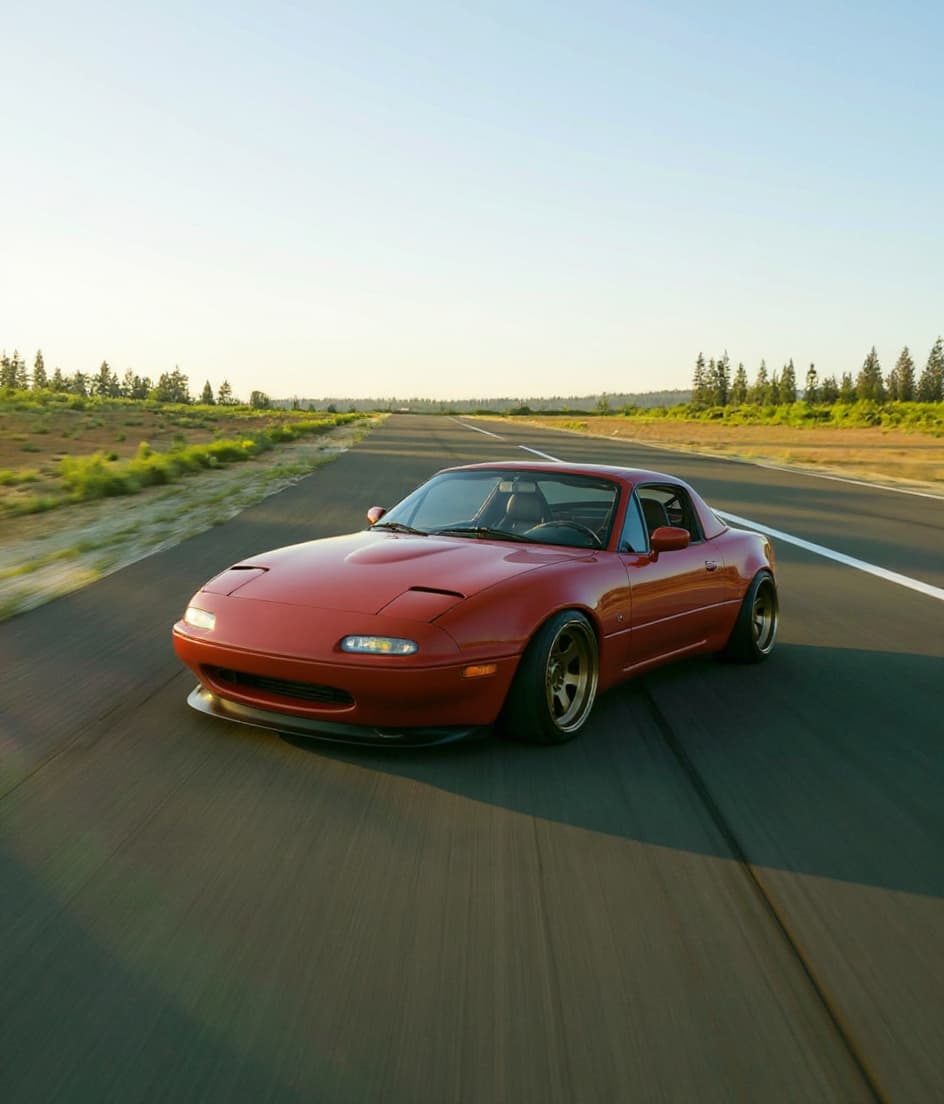 Style example
i8 Slammed
Ground-level ride height, tucked wheels — the full laid-out look, rendered.
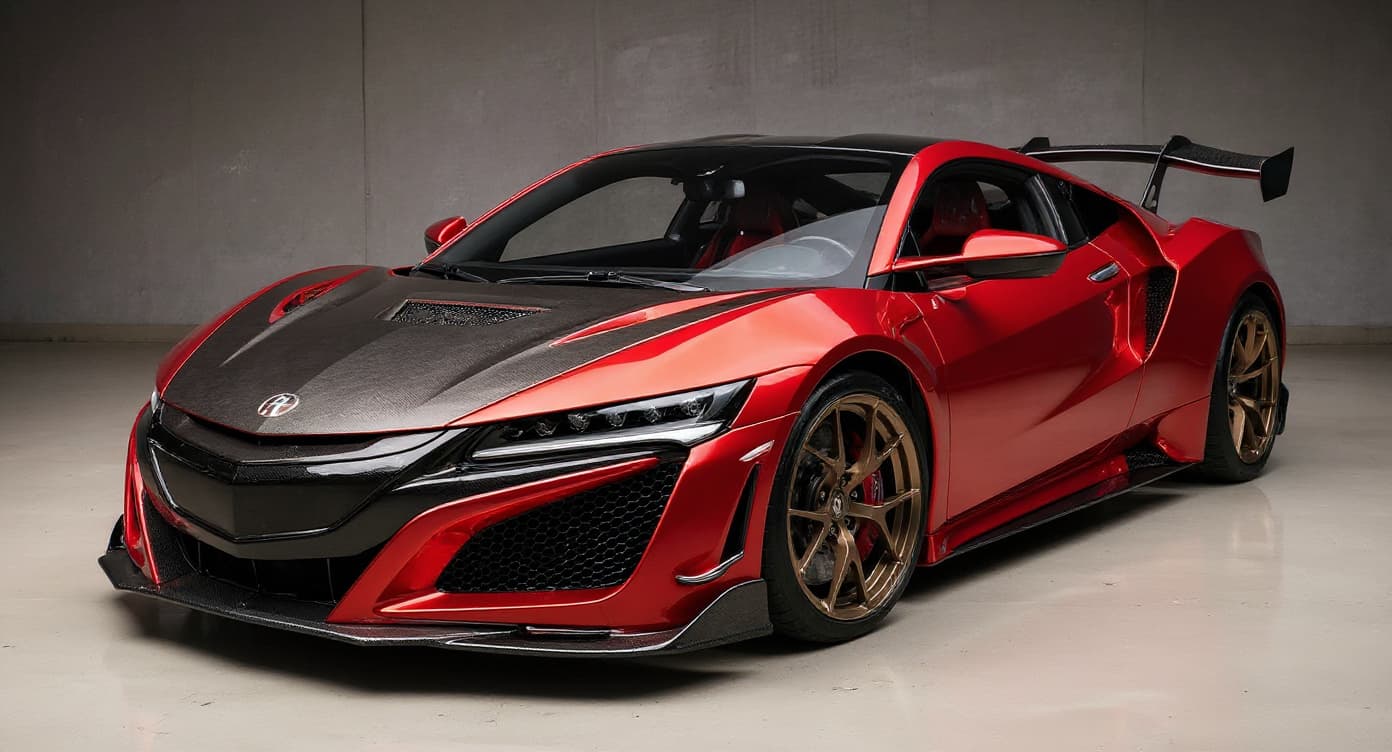 Style example
i8 JDM Style
Tuner-era aero and details, rendered photoreal on your exact body and colour.
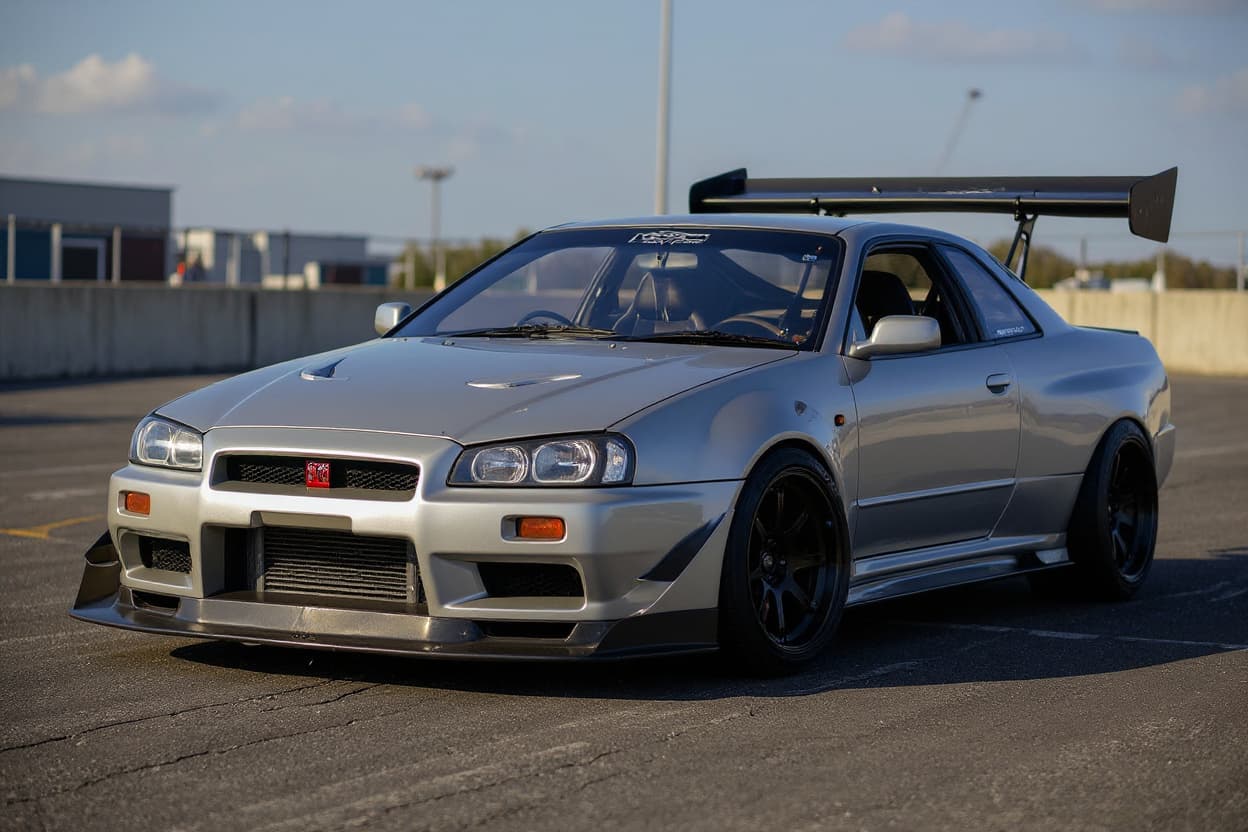 Style example
i8 Drift Build
See your car in full sideways trim before the cage and angle kit go in.
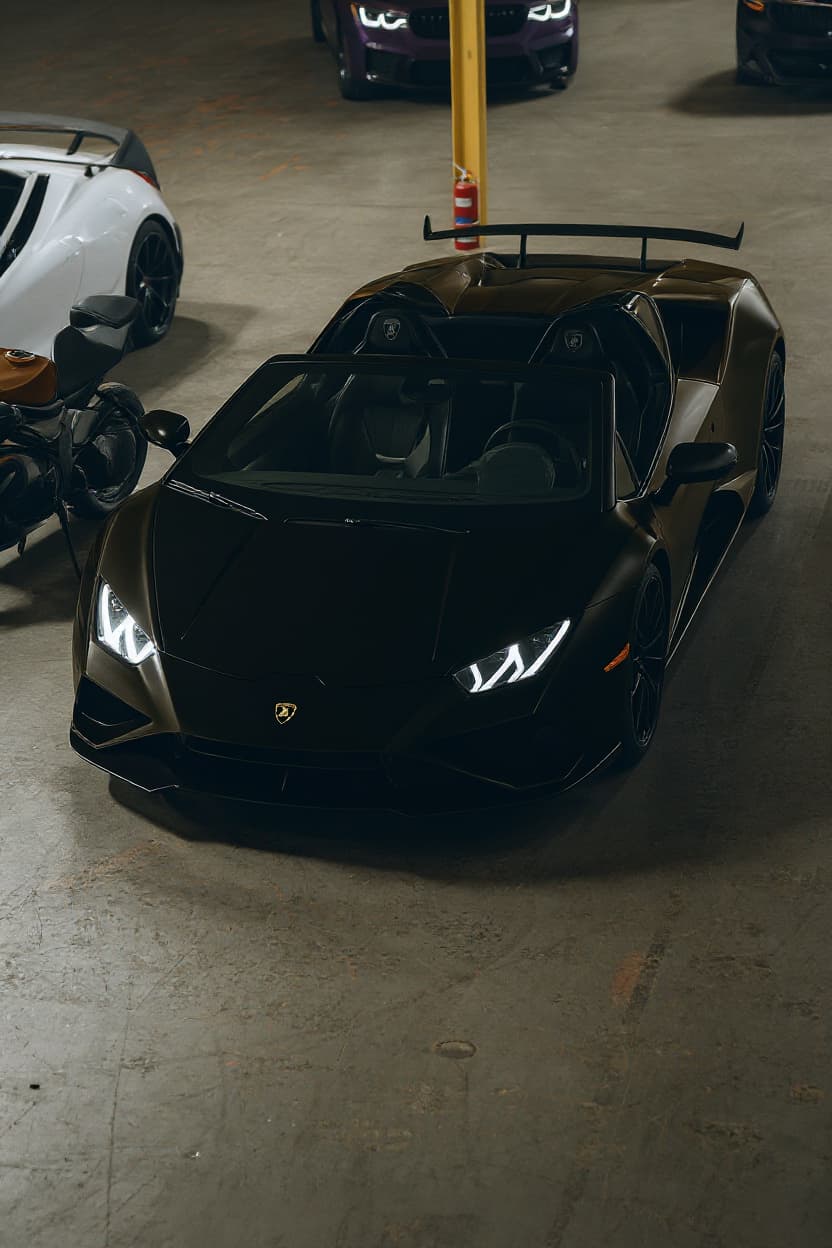 Style example
i8 Custom Wrap
Wrap decisions are expensive to regret — render the design on your car first.
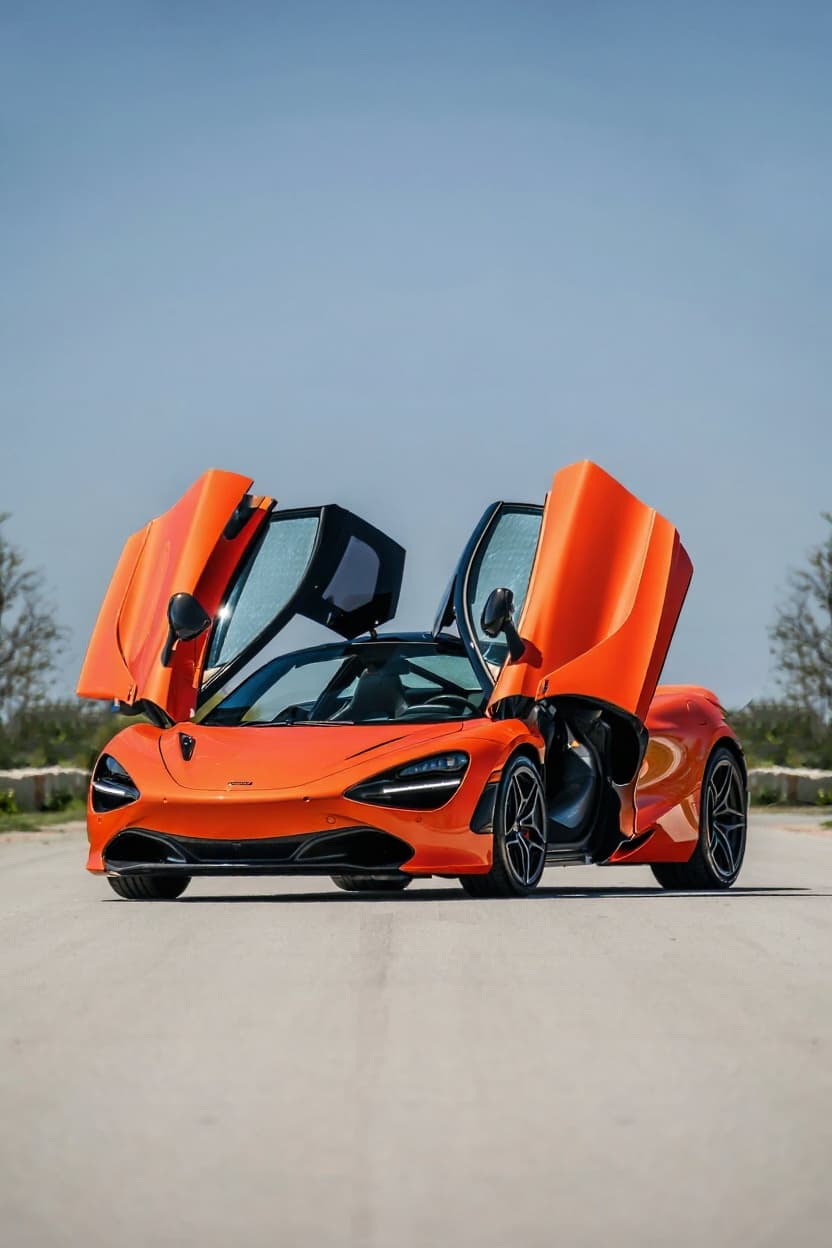 Style example
i8 Color Change
The respray question answered visually — your car in the new colour, photoreal.
 Style example
i8 Offroad
Your vehicle in trail spec — lift, rubber and stance rendered photoreal.
Just want new wheels on your i8?
See any rim style, finish and size on a BMW i8 before you buy — free.
Rendering the BMW i8
The i8 is BMW's plug-in-hybrid halo — a 2014-2020 sports car whose scissor doors, laser lights and impossibly futuristic body made it look like nothing else on the road. Rendering one is about that concept-car shape: it needs little help, so the best builds amplify the drama rather than add to it.
The i8 build scene is surface-only by necessity — the hybrid carbon-tub drivetrain stays untouched — so owners focus on wheels, wraps and subtle aero. The futuristic body wears colour-shift films and aggressive wheels dramatically, and the render tests bold looks on a shape that's already a spectacle.
i8 culture is the futurist scene: owners drawn to a car that still looks a decade ahead, building it to heighten the science-fiction drama. The complex hybrid means the vocabulary is entirely cosmetic — wheels, film, accents — which makes rendering the natural way to plan a look.
The i8's carbon-fibre passenger cell and plug-in-hybrid drivetrain make it a cosmetic-only build platform. Its distinctive staggered fitment, the scissor doors and the flowing aero surfaces are the identity every render preserves, and colour-shift wraps suit the futuristic body better than almost any car.
The i8 renders best from a low three-quarter that catches the scissor doors and flowing aero surfaces. The AI transforms your actual car — your colour, the carbon accents, wheels — rather than a generic exotic, so a Protonic Blue i8 renders true to its futurism.
How to render your i8
- 1Upload your i8 photo, Any clear shot of your BMW i8 works — or pick a stock reference image.
- 2Pick a modification style, Choose from Widebody Kit, Stance, Slammed, JDM Style, Drift Build, Custom Wrap, Color Change, Offroad. Each style is optimized for the i8's proportions and tuning culture.
- 3Get your render, About 30 seconds later your i8 comes back transformed — free tier watermarked, Pro in full HD.
Render the i8 build you're planning — free to try
Try it free →BMW i8 render FAQ
What modification styles work on the BMW i8?
TunedRides supports the following render styles for the BMW i8: Widebody Kit, Stance, Slammed, JDM Style, Drift Build, Custom Wrap, Color Change, Offroad. Each style is rendered using AI trained on real modified i8 builds.
Can you modify an i8?
Cosmetically — wheels, wraps, subtle aero and accents — without touching the carbon-tub hybrid drivetrain. The complexity keeps the scene on the surface, which is exactly where rendering helps: testing the look before committing.
What render suits the i8?
Amplification: colour-shift or satin wraps, aggressive wheels and subtle accents on the already-futuristic body. The i8 looks like a concept car, so the best renders heighten the drama rather than trying to reinvent the shape.
What's the definitive i8 render?
A dramatic colour-shift wrap with aggressive wheels — leaning into the science-fiction look. The AI keeps your actual car's details — the scissor doors, the exposed carbon, your base colour — so an e-Copper or Protonic Blue i8 renders as itself.
Other popular cars to render
Render your i8. Free.
Upload your car photo. See any build style rendered in 30 seconds. No subscription required for the free tier.
Upload a photo →